Amazon's image rules are not style advice. Per Amazon's own clothing style guide, the consequence of ignoring them is specific:
"Failure to meet these requirements may result in the suppression of your ASIN from search."
Suppression means your listing stops appearing in search results. The product page still exists, your inventory is still there, and customers simply cannot find you. That is a serious enough outcome to be worth twenty minutes of getting the rules exactly right.
This guide covers what Amazon currently requires, which widely repeated numbers are out of date, and how to actually produce a compliant image.
One Note on Sourcing
Amazon's most-cited image requirements page lives inside Seller Central, behind a login. That is why so much of the advice you find is secondhand, and why outdated figures circulate for years without anyone catching them.
Everything below comes from Amazon-owned sources that are publicly readable: Amazon's seller-facing guidance on product photos, and Amazon's official category style guide PDFs. Where a commonly repeated number could not be verified in those documents, this article says so instead of repeating it.
The Single Most Important Distinction: Main Image vs Additional Images
Most confusion about Amazon's rules comes from applying main image standards to every photo in the listing. They are not the same standard, and the gap between them is large.
The main image is the one shown in search results and at the top of your product page. This is where the strict rules live.
Additional images (Amazon allows up to six secondary images, or up to eight in clothing) are governed by a much looser standard. From Amazon's category style guide:
"Other products or objects are allowed… Cropped or close-up images are allowed. Backgrounds and environments are allowed. Text and demonstrative graphics are allowed."
That is close to the opposite of the main image rules. Lifestyle shots, scale comparisons, infographic callouts, in-use demonstrations: all fine, just not in slot one.
So the practical shape of a compliant listing is one rigorously clean main image, followed by as much context and personality as you want.
Main Image Requirements
Background: pure white, RGB 255,255,255
Amazon's seller guidance states:
"In most cases, product shots should be taken against a white background (RGB color values: 255, 255, 255)."
And its category style guide puts it more flatly:
"The main image must have a pure white background"
The specific RGB value matters. A light grey studio sweep, a slightly warm white from indoor lighting, or a near-white that looks fine on your monitor are not the same as 255,255,255. Amazon names an exact value because the white is meant to blend seamlessly into the white of the Amazon page itself.
Worth noting honestly: Amazon's public wording is "in most cases," and the company does not publish a tolerance threshold in these documents. Do not read that as wiggle room worth exploiting, but also be aware that the internet's "one pixel off and you are banned" framing is not what the official text says.
Frame fill: 85%, not 80%
"Have the product fill 85% or more of the frame."
This is the number most often reported incorrectly. Amazon's 2018-era style guide said the product should "occupy at least 80 percent" of the image, and a remarkable amount of advice published since then still repeats 80%. The current requirement is 85%.
If you have a photography SOP written a few years ago, or you are following a checklist you found on a blog, this is the line to check first.
One exception from the same guide: books, music, and video products use the cover art, which should "fill 100% of the image frame."
Dimensions: 500 to 10,000 pixels
"All images must be: 500 to 10,000 pixels on their longest side"
There is also a separate, softer statement about zoom:
"We prefer images larger than 1,000 pixels on each side to allow for zoom"
You will very frequently see "1,600 pixels for zoom" quoted as an Amazon requirement. We could not verify that figure in any publicly readable Amazon document. It appears in seller forums and third-party guides, not in the official text we could reach. The number Amazon itself publishes for zoom is 1,000.
Larger is generally better for zoom quality regardless, but if you are building a spec sheet for your photographer, cite 1,000 as the official line rather than presenting 1,600 as a rule.
Clothing has its own separate ceiling: the Amazon Fashion guide specifies a longest side between 1,000 and 3,900 pixels at 72 dpi, which is tighter on the top end than the general 10,000 limit.
File format: four accepted, one preferred
"In JPEG, TIFF, PNG, or non-animated GIF file formats"
Amazon also states it prefers JPEG. That preference is worth following for a practical reason covered in transparent PNG vs white background: Amazon accepts the PNG format, but we found no official documentation on how Amazon handles an alpha channel inside an uploaded PNG. Since nobody guarantees your transparency will be flattened to white, flatten it yourself and upload a JPEG.
What the main image must not contain
From Amazon's category style guide and fashion guide combined:
- Drawings or illustrations of the product (photographs only)
- Confusing additional objects
- Jewel cases, promotional stickers, or cellophane
- Additional text, graphics, or inset images
- Borders, logos, watermarks, or color blocks
- Multiple images of the same product within one frame
- Props that do not ship with the product
- Promotional wording such as "SALE" or "FREE SHIPPING"
- The product cropped by the edge of the frame
- Pornographic or offensive material
The recurring theme: the main image should show the customer exactly what arrives in the box, with nothing added.
Clothing and Fashion: Extra Rules
Apparel has its own style guide with requirements that catch sellers off guard:
- The main image must show a single item, except for multi-packs
- Models must wear shoes, with swimwear and sleepwear excepted
- Models must be standing, not sitting, kneeling, leaning, or lying down
- Aspect ratio of at least 190x246 pixels (10:13)
- Lingerie and swimwear must use flat-lay images with no model, for both main and additional images
- Child models in lingerie or swimwear are prohibited outright and will result in removal
If you sell apparel, read the fashion guide directly rather than relying on general ecommerce advice, because several of these have no equivalent in other categories.
What Actually Happens If You Get It Wrong
Two documented outcomes:
- Listings missing minimum requirements, including a compliant main image, may "be suppressed from the website"
- Per the fashion guide's footer on every page, non-compliance "may result in the suppression of your ASIN from search"
Amazon's forums also describe non-compliant images as subject to being "rejected, removed, or altered." Note that last word. Amazon reserves the right to change your image rather than simply refusing it, which means a listing can end up displaying something you did not choose.
The important thing to understand is that this is usually silent. You do not get a rejection email at upload time. Your listing quietly stops performing, and unless you are watching search placement closely, the cause is not obvious.
How to Produce a Compliant Main Image
You have two paths, and the second one is what most sellers actually need.
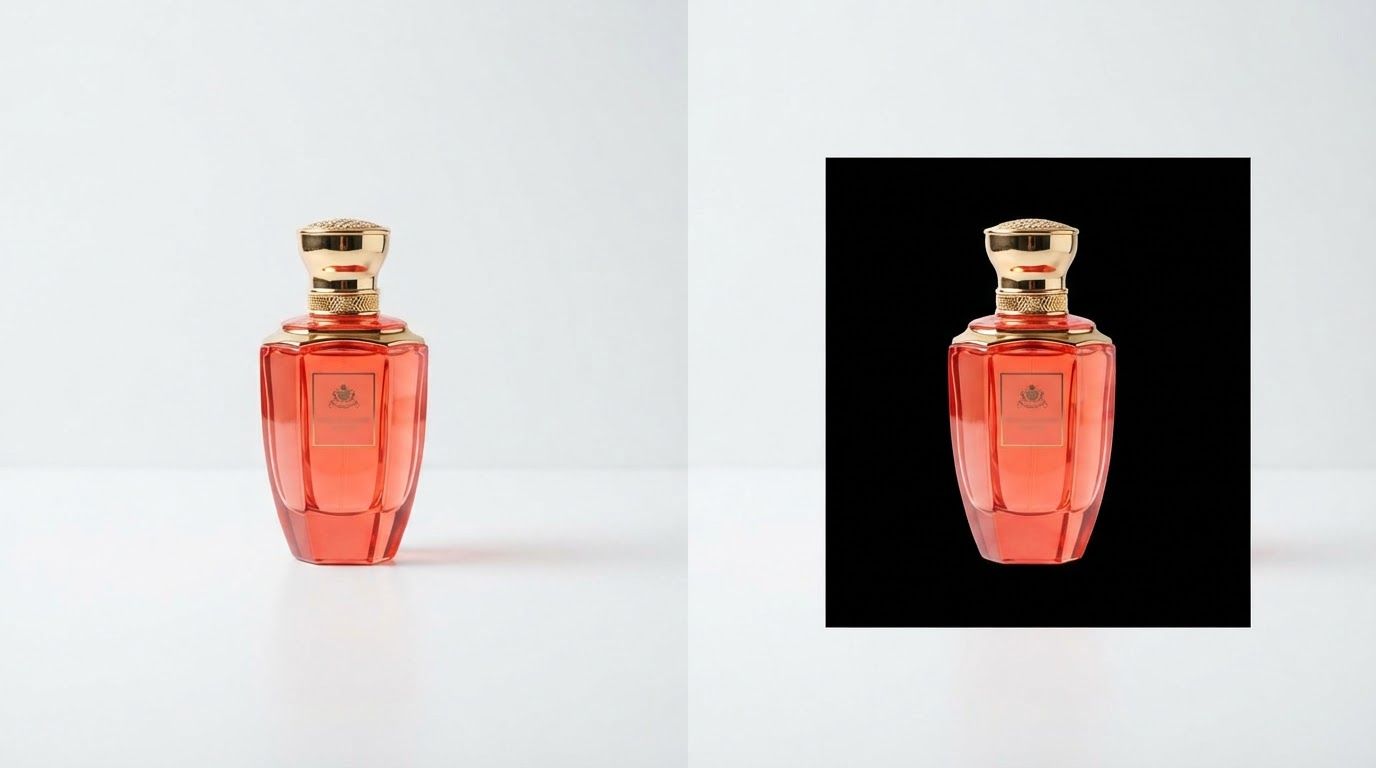
Shoot on white. A proper sweep, even lighting, and careful exposure can get you close to a clean white background in-camera. In practice, "close to white" is the problem. Camera white balance, ambient color temperature, and shadow falloff mean the background almost always lands somewhere near 250,250,250 rather than exactly 255,255,255, and it varies shot to shot across a catalog.
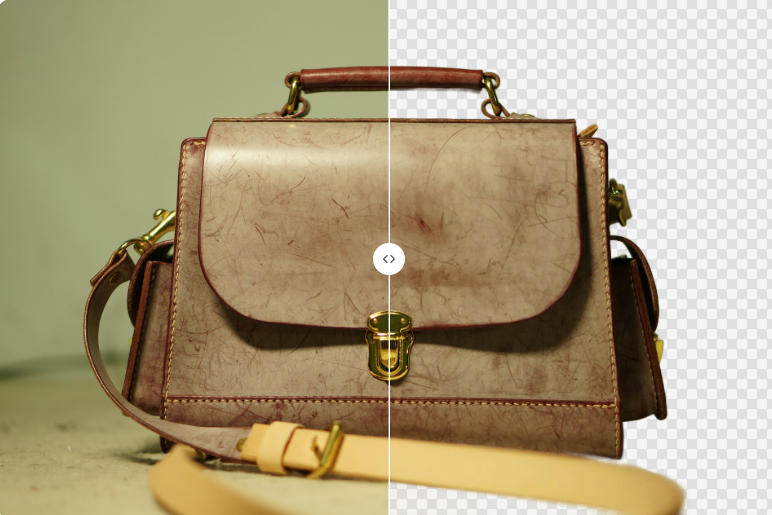
Cut out and replace. Remove the background, then place the subject on an exact 255,255,255 canvas. This is both faster and more precise, because the white is generated rather than photographed, so every image in your catalog gets the identical value with no lighting drift between them.
With BatchRemover, you remove the background and then set the background to pure white before downloading, exported as JPEG to match Amazon's stated preference. Single images are free with no account, so you can test one product and inspect the result before committing a catalog to any workflow. There is a step-by-step version in how to change an image background to white.
For a full catalog, bulk background removal applies the same setting across every file at once, which is the part that actually matters for compliance. Amazon does not care whether one image is right, it cares whether every main image in your account is right, and consistency is far easier to achieve when the white is applied by the same process rather than reproduced by hand. A broader product-photo walkthrough is in our Shopify and Amazon guide.


Drag and drop images or folders
A Pre-Upload Checklist
Run this on your main image before it goes live:
- Sample the background pixel value. Not "looks white." Open the file and check that the background reads 255,255,255. Any image editor's color picker will tell you in two seconds.
- Check frame fill against 85%, not the outdated 80%.
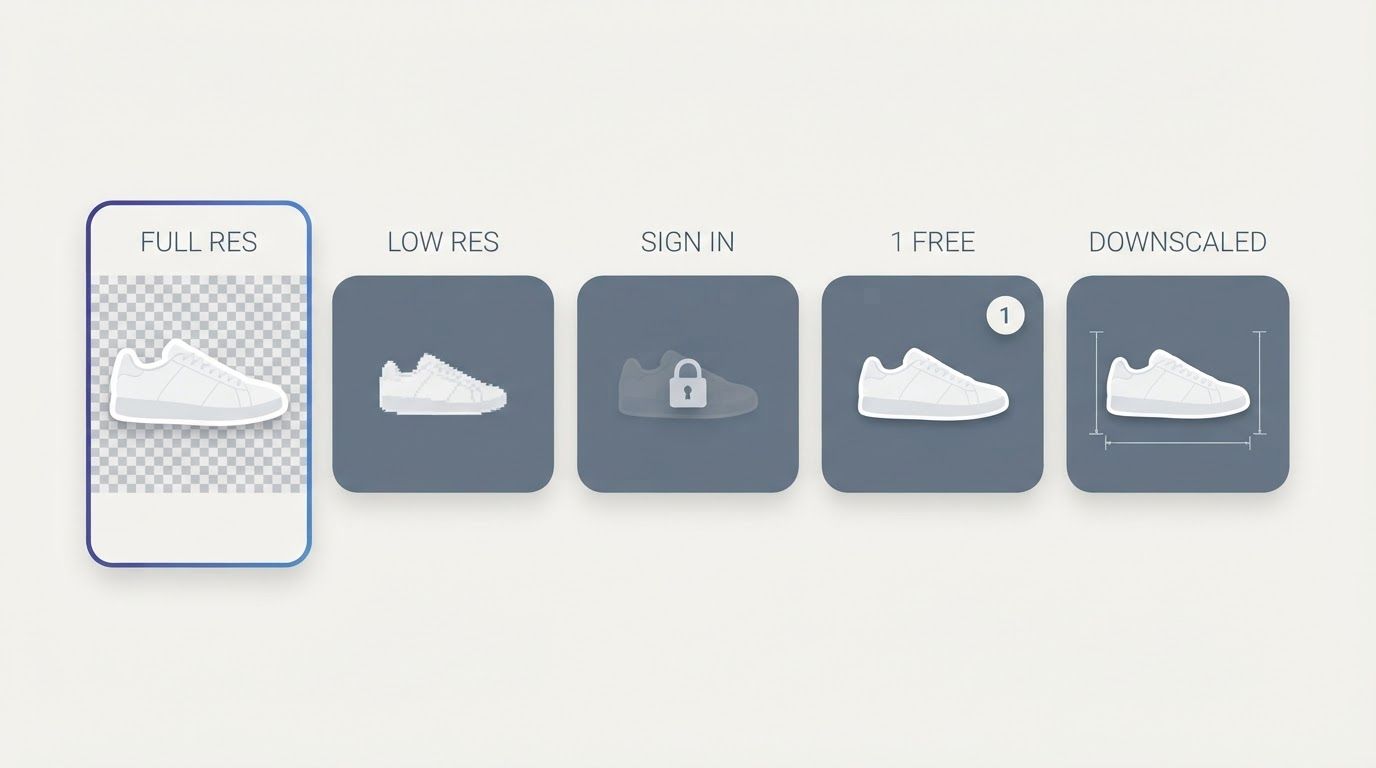
- Confirm the longest side is between 500 and 10,000 pixels, and ideally above 1,000 for zoom. Check this after export, since some free background removers downscale on the way out and you can satisfy every other rule while failing this one.
- Look for anything added. Text, borders, logos, props, stickers, packaging that does not ship. If it is not the product, it does not belong in the main image.
- Verify there is no transparency. If the file is a PNG with an alpha channel, flatten it to white before uploading rather than assuming Amazon will.
- Move the good stuff to slots 2 through 7. Lifestyle, scale, detail, and infographics all belong in the listing, just not in the main image.