
Free Real Estate Background Remover
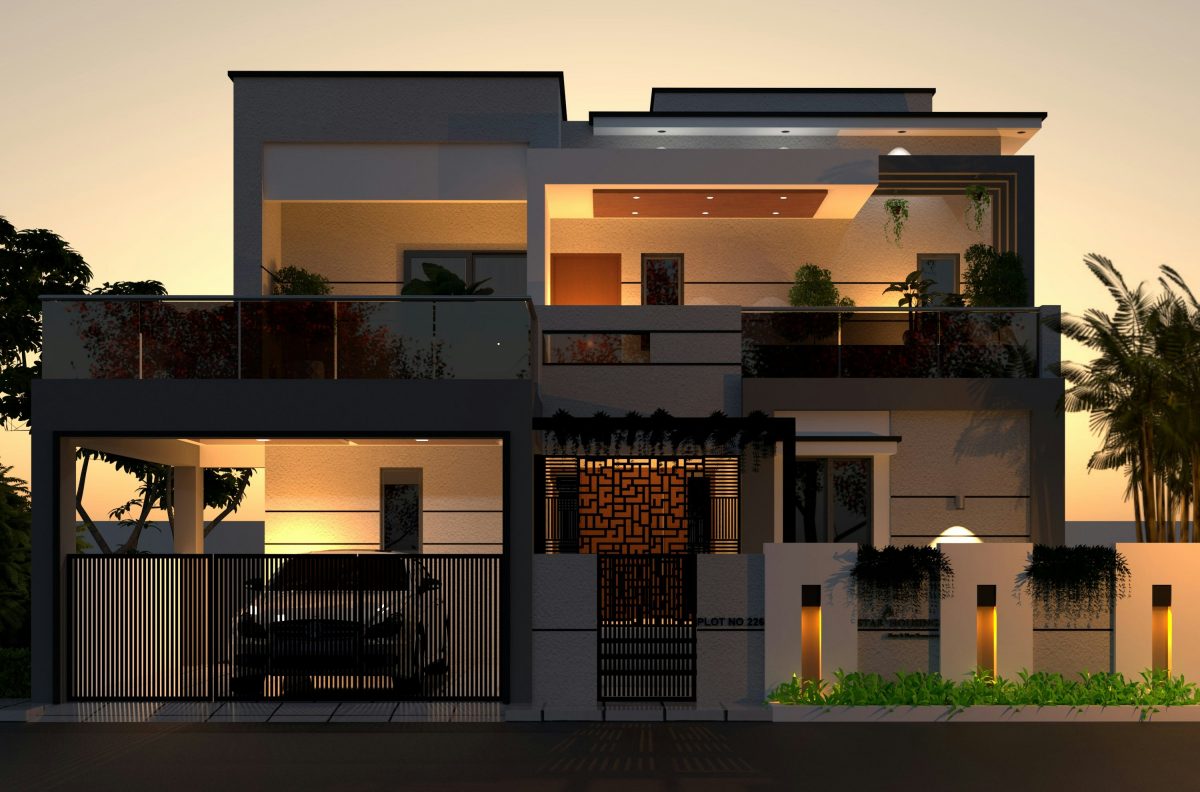
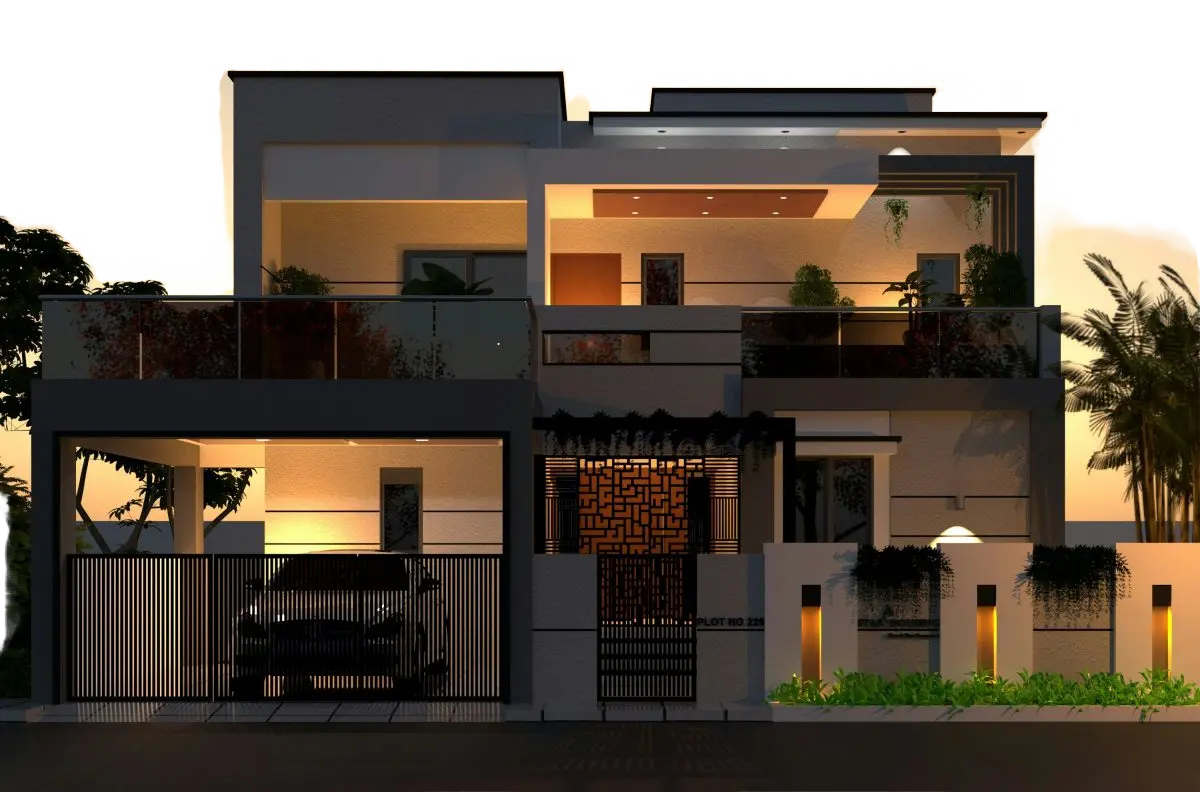
Cut your property out of a cluttered street, neighbouring houses, and a grey overcast sky, then drop it onto a clean white, transparent, or bright scene that makes every listing look professional. 100% Free Background Remover.
Drag and drop images or folders
By uploading images, you agree to the BatchRemover Terms of Use and Privacy Policy
Property Photos That Sell the Home, Not the Street
A clean, distraction-free background keeps buyers looking at the property, not the bins, cars, and grey sky around it.
White, Transparent, or Custom Scene
One click swaps the messy street, parked cars, and neighbouring houses for a pure white background, a transparent PNG, or a bright custom scene. Match your flyer, social post, or website in seconds, with the same clean look every time.
Trade a Dull Grey Sky for a Bright One
A flat, overcast sky makes even a great home look gloomy. Cut the property out and place it against a clear blue-sky scene, so the exterior looks warm and inviting, the single edit that lifts a listing the most.
Sharp Rooflines, Railings, and Foliage
Roof peaks, railings, window frames, fences, and trees are where most tools fail. BatchRemover keeps these fine edges crisp, with no white halo, no chopped chimney, and no jagged outline around the building.
Edit the Whole Listing at Once
Removing the background from one property photo is free with no signup. Got a full shoot of 20 to 40 images? Upgrade to batch every photo and get the same background and finish across the entire set.
Remove a Real Estate Background in 3 Steps
No Photoshop, no editing skills, and no waiting on an outsourced editor. Turn a phone snapshot into clean marketing imagery in seconds.
Upload Your Property Photos
Drag in one shot or a whole folder of exterior and interior images. JPG, PNG, and WebP all work. A busy street, parked cars, or people in the frame are fine, the AI handles it.
AI Removes the Background
The AI detects the property, erases the cluttered surroundings and the dull sky, and cleans up the edges. Drop in a pure white background, a transparent layer, or a bright scene. The building itself stays untouched.
Pick a Background and Download
Choose white, transparent, or a custom background, set your crop, and export a high-resolution image ready for flyers, brochures, social posts, and listing pages.
The Right Background for Every Real Estate Channel
Marketing collateral looks best with a clean, branded background. Here is what works where you promote your listings.
| Channel | Recommended background | Tip |
|---|---|---|
| Just Listed / Just Sold flyer | White or branded scene | Cut the home out so your branding and headline stand out |
| Social media post / ad | Transparent or custom scene | A crisp cut-out pops in a busy, cluttered feed |
| Property website hero | Transparent PNG | Layer the property over your own banner design |
| Brochure / feature sheet | White or solid brand colour | Keep margins even so the print layout stays clean |
| Email campaign | Plain white | White renders consistently across every inbox |
| Airbnb / Vrbo cover | Bright scene or white | A bright sky makes your place look warm and inviting |
MLS and portal rules vary, and many limit edited listing photos. Use background-removed images for your own marketing, and follow your MLS guidelines for the official listing gallery.
Built for Everyone Who Markets Property
Agents and Realtors
Turn a featured listing into a clean cut-out for flyers, postcards, social posts, and listing presentations. Batch a whole portfolio so every property shares one professional look.
Real Estate Photographers
Deliver marketing-ready cut-outs to your agent clients in minutes instead of hours. Skip the manual masking on every roofline, railing, and tree for each home.
Marketing and Brokerages
Cut the property out and place it on any scene for banners, campaigns, and brand templates. Transparent PNGs drop straight into your design tool.
Short-Term Rental Hosts
Make your Airbnb or Vrbo cover photo stand out with a bright, clean background that pulls more clicks than a dull, cluttered snapshot.
Developers and New Builds
Showcase units, models, and renders on a consistent, professional backdrop across brochures, hoardings, and launch sites.
Outsourcing vs BatchRemover
Sending listing photos out for background editing is slow and adds up fast in peak season. Here is how doing it yourself compares.
✦ RecommendedBatchRemover | Outsourced photo editing | |
|---|---|---|
| Turnaround | Seconds for the whole set | 24 to 48 hours, longer in peak season |
| Cost | Free for one photo, low-cost batch plans | $1 to $10 per photo, every shoot |
| Rooflines and foliage | Fine edges kept automatically | Depends on the editor that day |
| Revisions | Redo it yourself instantly | Email back and forth, then wait again |
| Batch consistency | Same background across every photo | Varies editor to editor |
| Privacy | Your photos never leave your control | Files sent to a third party |
Frequently Asked Questions
Can it cleanly cut out a house with trees, railings, and rooflines?
Yes. Roof peaks, chimneys, railings, window frames, fences, and overhanging trees are the hardest part of property cut-outs. The AI detects the building and keeps these fine edges crisp against the new background, with no white halo and no chopped-off details, the kind of clean outline buyers expect in professional marketing.
Can I replace a dull grey sky with a brighter one?
Yes. When you remove the background behind an exterior shot, the flat overcast sky goes with it. Drop the property onto a bright blue-sky scene, a solid colour, or a transparent layer so the home looks warm and inviting. The sky and surroundings are replaced in one step, with no separate sky tool needed.
Can I put a property on a white or transparent background for flyers and social?
Yes. White is the default and works for brochures, feature sheets, and email. Export a transparent PNG to layer the property over your own banner or social template, or drop it onto a custom scene. Everything downloads in full resolution, ready for print or web.
Can I edit a whole listing or portfolio at once?
Removing the background from a single property photo is free with no signup. To process a full shoot of 20 to 40 photos, or a week of new listings, in one batch, you upgrade to a paid plan. That keeps the background, crop, and finish consistent across every image.
Will the photos stay sharp enough for printed flyers and brochures?
Yes. Each photo is processed at its original resolution and returned in full quality, so cut-outs stay crisp whether you use them on a website, in a social post, or on a printed flyer or feature sheet. No watermark, no downscaling.
Can I use these edited photos on the MLS listing?
Background removal is best for your own marketing, flyers, postcards, social posts, website banners, and brochures, where a clean cut-out makes the property stand out. Many MLS and listing portals limit how much you can edit the official listing gallery, so always follow your MLS rules for those photos and keep heavier edits to your marketing collateral.
What photos work best for real estate background removal?
Clear, well-lit exterior shots taken from a normal angle work best for cutting out the whole property. Even a busy street with cars or people in the frame is fine, the AI isolates the building. Interior and detail shots use the same one-click removal, so your whole gallery can share one clean look.
Give Every Listing a Clean, Professional Background
Upload your property photos, remove the cluttered street and dull sky, and get a white, transparent, or bright scene that makes your marketing stand out. Free for a single photo, no signup.