Free Passport Photo Background Remover
Remove the background from your passport or ID photo and drop in a clean, pure white background that meets official requirements. Free to use.

Drag and drop images or folders
By uploading images, you agree to the BatchRemover Terms of Use and Privacy Policy
Passport Photos That Won't Get Rejected for the Background
A wrong background colour is one of the top reasons passport and visa photos get sent back. Get it right in one click.
True Pure White Background
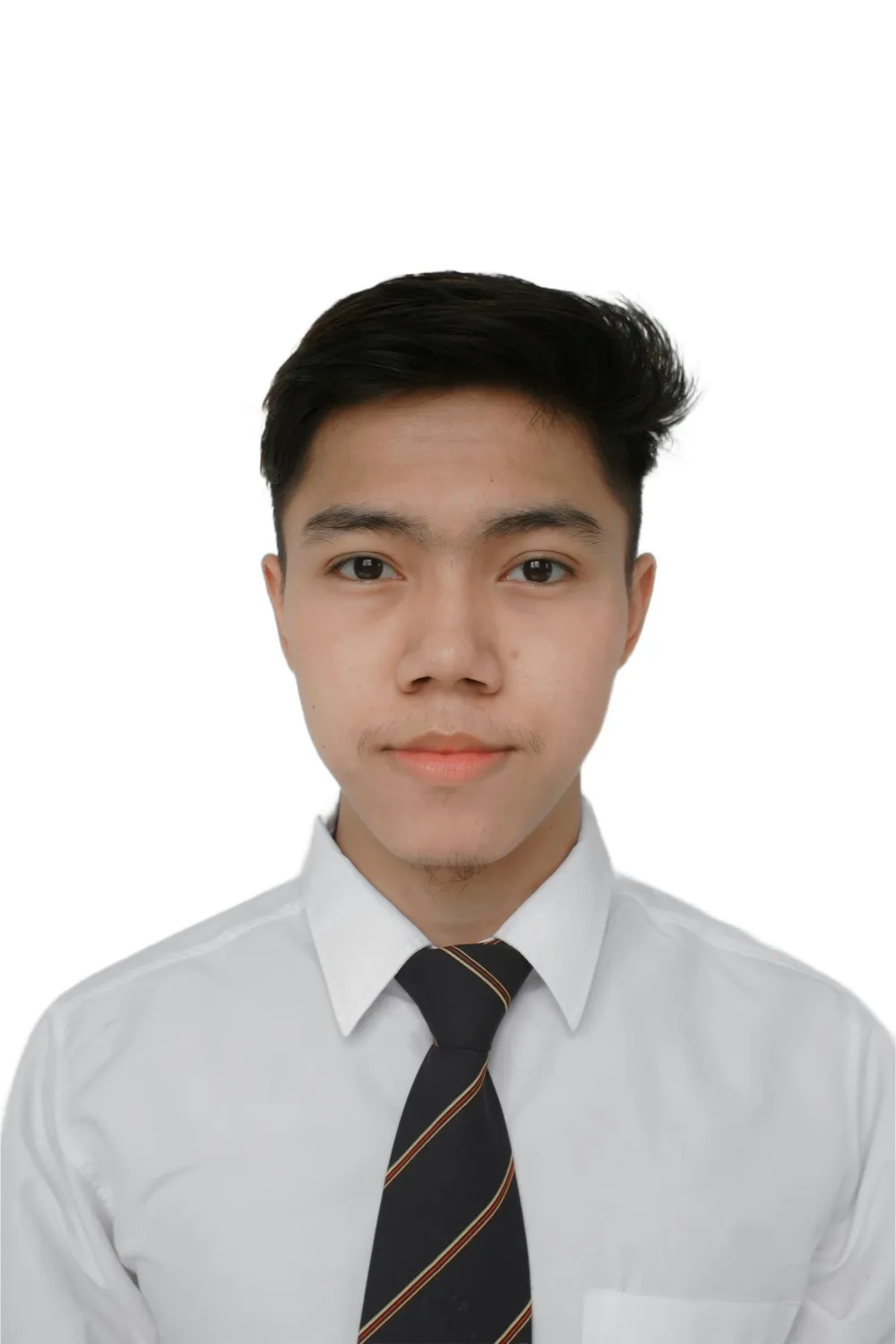
One click replaces your busy background with pure white (RGB 255,255,255 / #FFFFFF), the exact shade the US, India, China, and most Schengen countries require. No off-white, cream, or grey tint that automated checks reject.
Match Any Country's Required Colour
Not every country wants white. The UK and Germany ask for a light grey background, and some countries require light blue. Open the colour options and pick white, grey, blue, or any custom shade to match your authority's exact rule.
Clean Hair and Edge Detail
The AI keeps fine hair strands, glasses frames, and collar edges sharp against the new background, with no halo, no jagged outline, and no semi-transparent fringing, the kind of clean cut that passes automated photo validation.
Do the Whole Family at Once
Removing the background from a single passport photo is free with no signup. Renewing for the whole family or a tour group? Upgrade to process every photo in one batch and download them together.
How to Make a Passport Photo Background in 3 Steps
No photo studio, no editing skills. Turn any portrait into a compliant passport background in seconds.
Upload Your Portrait
Drag in a plain, front-facing photo or a clear selfie. The tool accepts JPG, PNG, and WebP. Even a busy home background is fine, the AI handles it.
AI Replaces the Background
The AI detects you, erases the original background, and drops in a clean pure white background, or any colour you choose for your country. Your face, expression, and proportions stay untouched.
Size and Download
Set the exact pixel dimensions your country needs, then export as a high-resolution JPG, the format most government portals accept, ready to upload or print at home.
Passport Photo Background by Country
Most countries want plain white, but a few do not. Pick the right colour before you submit.
| Country | Background colour | Photo size |
|---|---|---|
| United States | Plain white | 2 x 2 in (51 x 51 mm) |
| United Kingdom | Light grey or cream | 35 x 45 mm |
| Schengen / EU | Light grey or off-white | 35 x 45 mm |
| Canada | Plain white | 50 x 70 mm |
| India | Plain white | 2 x 2 in (51 x 51 mm) |
| China | Plain white | 33 x 48 mm |
| Australia | Plain white or light grey | 35 x 45 mm |
Requirements change over time. Always confirm the latest rules with your official passport or visa authority before submitting.
Frequently Asked Questions
Will a digitally changed background pass passport checks?
Replacing a busy background with a plain, even colour is widely accepted, as long as your face, expression, lighting, and proportions are not edited. BatchRemover only swaps the background, it never alters your features, so the result stays true to your original portrait. Replacing the background is very different from retouching your face, which is what authorities reject. Always check your country's official guidance before you submit.
Is the white background truly pure white?
Yes. The default background is pure white, RGB 255,255,255 (#FFFFFF), the exact shade required by the US, India, China, and most Schengen countries. This avoids the off-white, cream, or slightly grey walls that automated validation systems flag and reject. You get a clean, even white with no shadows behind your head.
My country wants a grey or light blue background, can I do that?
Yes. The UK and Germany ask for a light grey background, and a few countries require light blue. After the background is removed, open the colour options and pick grey, blue, or any custom colour to match your authority's requirement, then download. One tool covers white, grey, and blue passport backgrounds.
What size should my passport photo be?
Common sizes are 2 x 2 inches (US and India) and 35 x 45 mm (UK and Schengen). Use the size settings to enter your country's exact dimensions in pixels before you download. Check the table above or your official source for the size your application needs.
Can I use a phone selfie for my passport photo?
Yes, as long as it is a clear, front-facing shot with even lighting and a neutral expression. Upload it, let the AI remove the background, and you get a clean passport-ready image on a plain background. Avoid hats, sunglasses, heavy shadows, and tilted angles for the best chance of approval.
Is the passport photo background remover free?
Removing the background from one passport photo is completely free with no signup and no watermark. Processing several photos at once in a single batch, for the whole family or a group, requires a paid plan. You can try a single photo for free first and upgrade only if you need batch processing.
Can I print the photo at home or upload it online?
Both. Download your photo as a high-resolution JPG, the format most government and visa portals accept, then upload it directly to the application site or print it on photo paper at home. The output keeps full resolution, so printed copies stay sharp.
Create a Compliant Passport Photo Background in Seconds
Upload your portrait, remove the busy background, and get a clean passport photo on a pure white background. Free for a single photo, no signup needed.