If you have opened remove.bg recently, you may have seen the notice: the tool that made one-click background removal mainstream is being folded into Canva, and the standalone service is going away.
This is not a rumor from a tech blog. It comes from remove.bg's own website. Below is exactly what has been announced, what has pointedly not been announced, and what you should do with your account before the deadline.
What remove.bg Has Actually Confirmed
Two statements come directly from remove.bg's own pages.
On the API page, a banner reads:
"Starting December 1, 2026, background removal moves to Leonardo.Ai, also part of Canva."
And on the FAQ page:
"remove.bg became part of Canva in 2021. We're now migrating remove.bg's background removal functionality into the Canva platform."
So the timeline is straightforward. remove.bg has belonged to Canva since 2021, when Canva acquired its parent company Kaleido AI. What is changing now is that the standalone product is being absorbed into the parent platform. Web users are pointed toward Canva. Developers using the API are pointed toward Leonardo.Ai, which Canva also owns. Leonardo has published a migration guide with a parameter mapping table, last updated in early September 2026.
The date to remember is December 1, 2026. Note the year, since a lot of secondhand coverage has quoted "December 1" without it.
What remove.bg Has Not Said
This is the part worth paying attention to, because it is where most of the articles covering this story start inventing answers.
We read remove.bg's FAQ page and API page in full. Neither one addresses any of the following:
- What happens to unused credits. Whether they expire, transfer to Canva or Leonardo, or get refunded is simply not stated anywhere.
- What happens to active subscriptions. No word on automatic cancellation, prorated refunds, or migration to a Canva plan.
- What happens to your stored images and processing history. No retention policy, no export deadline, no deletion notice.
- Any specific cutoff time. Several third-party posts quote a precise hour on December 1. That detail does not appear on remove.bg's own pages.
We are not going to guess at these on your behalf. If you read a post confidently explaining that your credits will be voided at a specific hour, check whether it links to an official source. Most of them do not, and a number of those posts are published by competing background removal tools that have an obvious interest in creating urgency.
If remove.bg publishes more detail before December, we will update this article.
What to Do Before December 1, 2026
Since the official guidance is thin, here is what you can control yourself. None of this requires waiting for an announcement.
1. Download anything you still need. If you have results sitting in your remove.bg account that you have not saved locally, export them now. This is the single item most likely to cause real loss, and it takes a few minutes.
2. Export your invoices. If you expense this tool or need the records for accounting, pull your billing history while the account pages are still up. Waiting until the service is winding down is how people end up filing support tickets into an empty inbox.
3. Check your subscription status. Log in and look at whether you have a recurring plan and when it renews. Do not assume a shutdown automatically cancels billing cleanly. If you would rather not find out the hard way, cancel it yourself.
4. Spend down credits you already paid for, or accept you may lose them. Since remove.bg has not said whether unused credits carry over, the conservative move is to use them on work you actually need done rather than holding a balance into December.
5. Decide where your workflow goes next before you are forced to decide in a hurry. That is the rest of this article.
If You Move to Canva, Here Is What Changes
Canva is the officially signposted destination, and for some people it will be fine. But it is worth being clear that Canva is a design suite, not a dedicated cut-out tool, and that changes the experience in a few concrete ways.
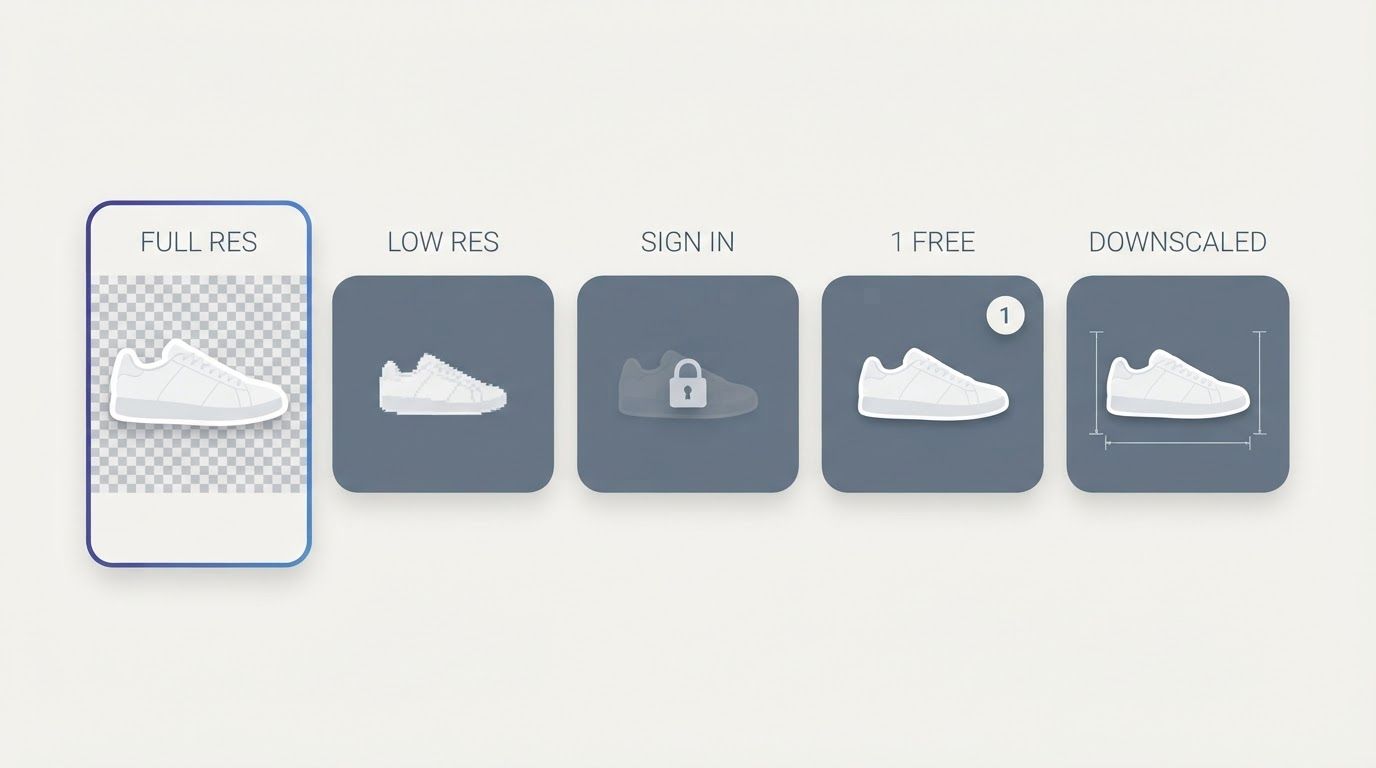
You need an account. remove.bg let you drop an image on the page and get a result without signing up. Canva does not work that way. You are logging in, landing in an editor, and working inside a design document.
The free tier is much tighter. On a free Canva account, transparent PNG download is limited to a single use before you are asked to upgrade. If your usage was "a few images a month for free," that specific habit does not carry over.
Your result lives inside Canva. Background removal happens in the editor, and getting a clean file back out is a separate export step rather than the endpoint of the flow.
To be fair to Canva: it does offer bulk background removal on paid plans, and if you are already a Canva subscriber building social posts or presentations, having removal built into the editor you already use is a genuine convenience. The mismatch is specific. If what you liked about remove.bg was that it did exactly one job with no account and no editor, a design platform is not a like-for-like replacement.
Where Different Users Should Actually Go
The right answer depends on which kind of remove.bg user you were.
If you removed backgrounds one image at a time
You want the thing remove.bg was: upload, get a cut-out, download, done. No editor, no account, no credit balance.
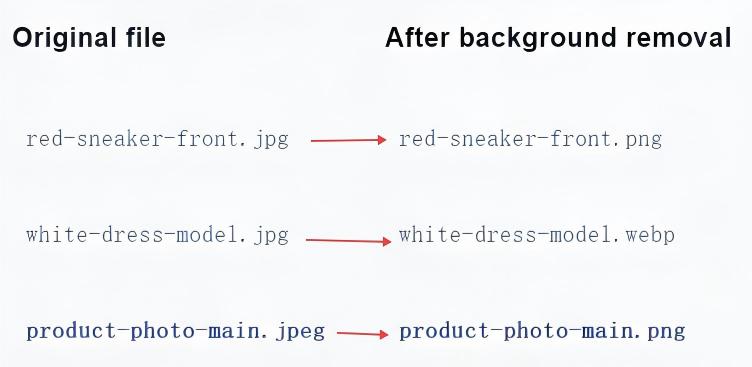
That is what BatchRemover does. Single images are free, there is no signup for them, and the download comes back at your original resolution with no watermark. You can also pick your export format before downloading, PNG for transparency, JPG for a white background, or WebP for smaller files.
That resolution point is the one worth dwelling on. In our own side-by-side test of six free background removers, we ran the same 1920×2884px product shot through each tool without an account. remove.bg's free download came back at roughly 408×612px, because its free tier caps output at 0.25 megapixels. Around one fifth of the original, in each dimension. Fine for a thumbnail, not usable for a product listing or anything headed to print.


Drag and drop images or folders
If you processed images in volume
This is the group with the most to lose, because per-image credit pricing and a one-at-a-time web tool were never a great fit for high-volume product photography in the first place.
If you are shooting catalog images, marketplace listings, or any recurring batch of product photos, look at bulk background removal instead of paying per credit. Batch processing on BatchRemover runs up to 60 images at a time on yearly plans, with the results downloading as a set rather than one file at a time. Filenames are preserved, which matters more than people expect when you are matching images back to SKUs.
Batch processing is a paid feature. Single images stay free, so you can test output quality on your own photos before deciding anything. Pricing is on the plans page.
If you were using the API
You are the one group with a genuinely official migration path. remove.bg points API traffic at Leonardo.Ai, and Leonardo has published a migration guide with a full parameter mapping table.
We will be straightforward here: BatchRemover does not offer a public API. It is a web tool you use directly. If your integration is code calling an endpoint, follow the official Leonardo migration path rather than looking for a drop-in from us.
One piece of advice that showed up repeatedly in developer discussion of this migration is worth repeating: a 200 response does not mean the migration succeeded. Mask quality and output characteristics can differ between engines, so test a representative batch of your real images and compare results visually before you cut production over.
A Note on the Alternatives Being Recommended to You
Search "remove.bg alternative" right now and you will find a wave of near-identical posts, most of them claiming to be free, watermark-free, and unlimited. A significant number are published by background removal tools themselves, which is fine as long as you know that is what you are reading.
The useful question is not which tool calls itself free. It is where each tool puts its wall, because nearly all of them have one. Some cap resolution. Some add a watermark. Some let you process freely and then ask for a login at the download step. Some give you one free export and then stop.
We tested that directly rather than taking marketing copy at face value, using one identical image across every tool. If you want the numbers before you commit to a new workflow, we put seven tools side by side in the best remove.bg alternatives for 2026, covering free-tier limits, resolution caps, batch support, and current pricing. The underlying hands-on test is in our free background remover test, and there is a dedicated remove.bg alternative comparison page as well.
The Short Version
- remove.bg's standalone background removal ends December 1, 2026, per remove.bg's own site.
- Web users are pointed to Canva, API users to Leonardo.Ai, both Canva-owned.
- remove.bg has not published what happens to unused credits, active subscriptions, or stored images. Treat any article that states those confidently as unverified.
- Before the date: download your results, export invoices, check your subscription, and use up credits you have already paid for.
- If you want a like-for-like replacement rather than a design platform, a dedicated tool with free single images and no signup is the closer match.