
Free White Background Images
Download free high-quality white background images for product photography, portraits, and e-commerce. Apply any white background to your photos in one click, no editing skills needed.





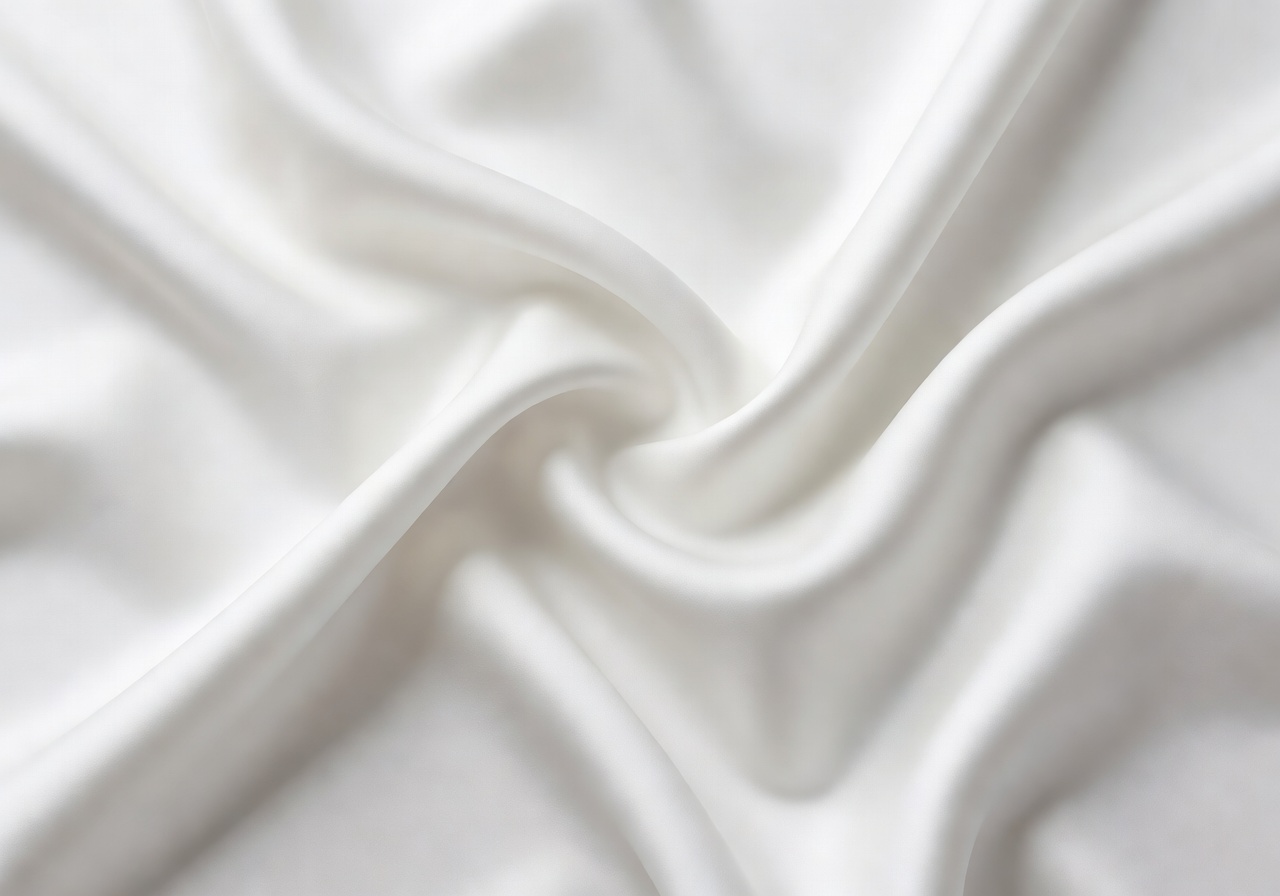


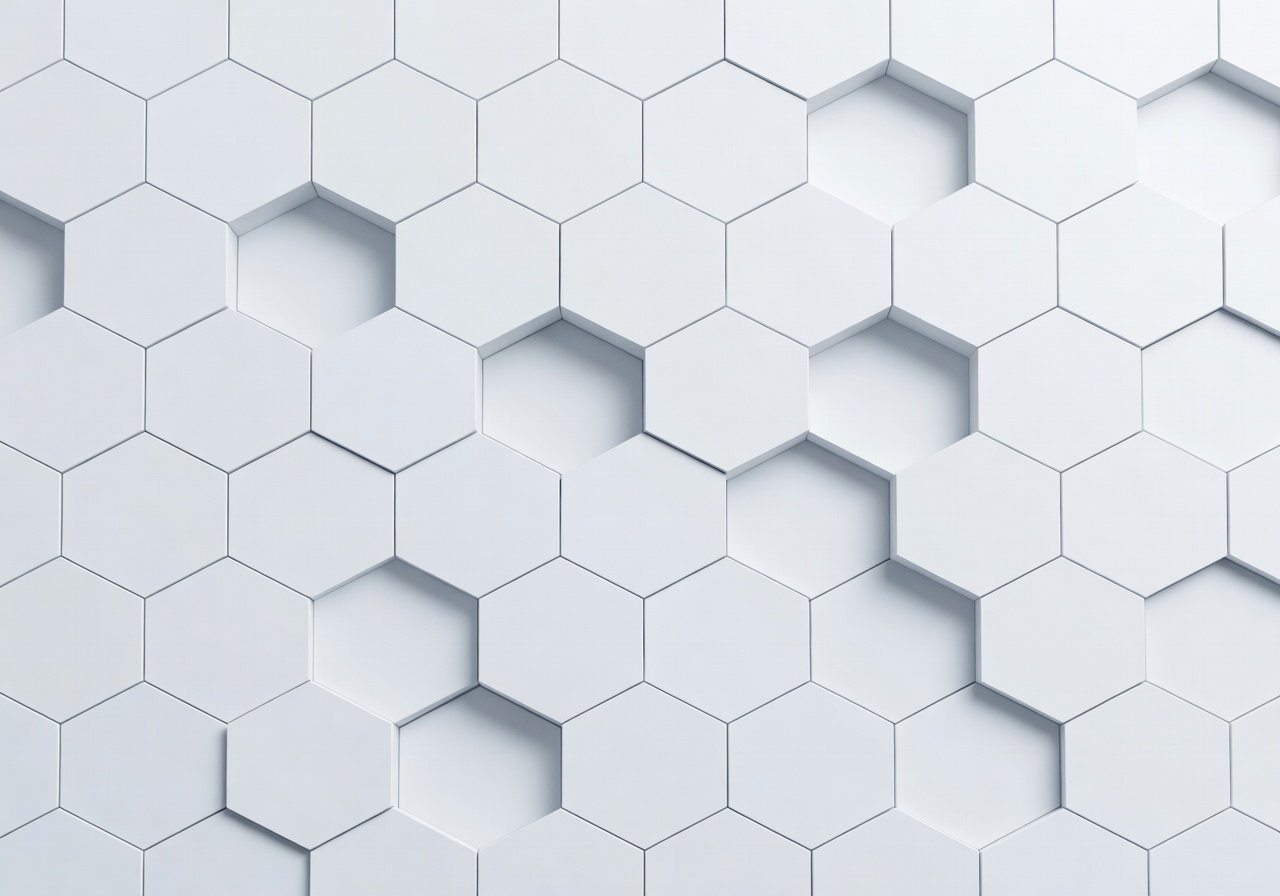
A white background is the universal standard for product photography, e-commerce listings, and professional portraits. Clean, bright, and distraction-free, white backgrounds make your subject the undisputed focus of every shot. Browse our free collection, download in one click, no sign-up required and free for commercial use.
From pure solid white to soft gradient whites, seamless studio backdrops to warm off-white textures, this library covers every style of white background used in professional photography. Whether you need a pure white background for Amazon product listings, passport photos, or a professional headshot, you will find exactly what you need here.
Already have a photo that needs a white background? Use our free AI background remover to strip your existing background in seconds, then apply any white background from this collection. No Photoshop, no complex editing skills required. Just upload, remove, and apply your perfect white background instantly.
Types of White Backgrounds
Pure White / Solid Background
A completely solid, pure white background with no texture, gradient, or shadow. The standard for Amazon main product images, passport photos, ID photos, and any listing that requires a clean white background. Pure white maximizes contrast and keeps the focus entirely on your subject.
Seamless White Backdrop
A continuous white surface where the floor meets the background with no visible line or shadow. Used in professional photography studios for full-body portraits, fashion shots, and product photography. The seamless design creates an infinite white look that gives images a polished, studio-quality finish.
White Paper and Softbox Background
Matte white paper or fabric used inside lightboxes and photo boxes for small product photography. Provides even, diffused lighting with no hotspots or harsh shadows. The most practical setup for home studio product photography, giving consistent, professional results without expensive equipment.
Bright White Gradient Background
A white background that subtly transitions from bright white to a softer tone, adding depth without distracting from the subject. Often used for product photography where a completely flat white might look too sterile. Adds a natural, airy feel to product shots.
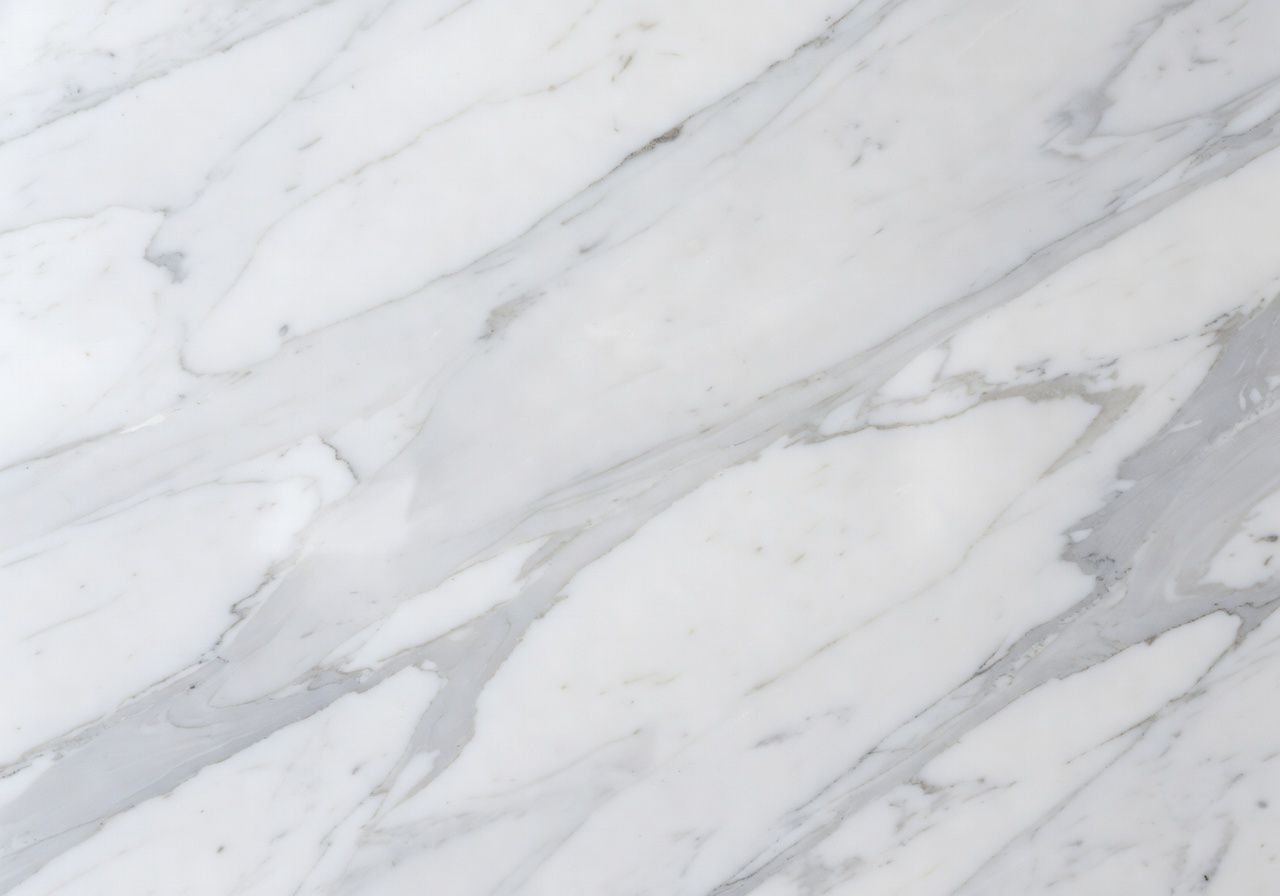
White Marble Background
A white surface with elegant marble veining, combining the clean brightness of white with a premium, textured aesthetic. Popular for beauty products, cosmetics, jewelry, and food photography where the background adds context and style while keeping the palette light and bright.
Off-White and Cream Background
Warm, soft white backgrounds with a slight cream or ivory tone. Less stark than pure white, these backgrounds work well for lifestyle product photography, wedding photography, and portrait sessions where a warm, inviting tone is preferred over a clinical pure white.
Uses for White Backgrounds
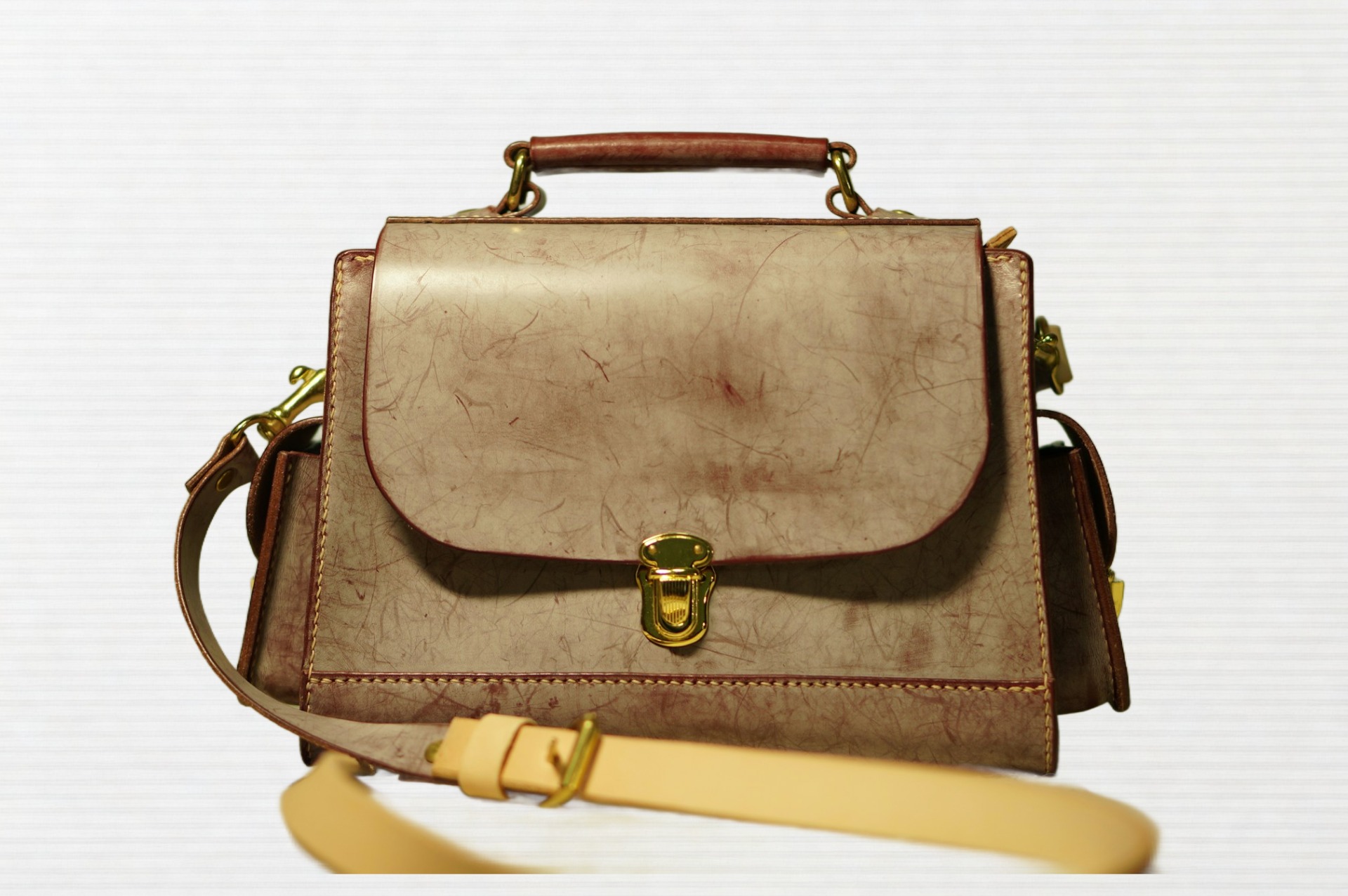
E-commerce and Marketplace Product Photos
White backgrounds are the required standard for Amazon, eBay, and most major e-commerce marketplaces. A clean white background removes all distractions, makes your product the clear focus, and gives your listing a professional, trustworthy appearance. Products on white backgrounds consistently achieve higher click-through rates and conversion. Whether you sell on Shopify, Amazon, Etsy, or your own online store, white background product images are the foundation of a professional product catalog.
Remove Background Now
Portrait and Headshot Photography
A white background creates a clean, bright, and professional look for headshots, business portraits, and profile photos. Unlike dark backgrounds, white reflects light back onto the subject, producing softer, more flattering lighting with minimal shadows. Ideal for LinkedIn profile photos, corporate headshots, actor portfolios, and real estate portraits where a bright, approachable, professional image matters.
Remove Background NowPassport, ID, and Document Photos
Most official documents require a plain white or off-white background for passport photos, visa applications, and ID card photos. Our free white background images meet the standard requirements for most countries, and our background remover tool makes it easy to swap any photo background to plain white in seconds, saving you a trip to the photo studio.
Remove Background Now
Background Replacement and Photo Editing
Use these free white background images to instantly upgrade any photo in your editing workflow. Remove your existing background with our AI background remover, then apply a clean white background with one click. Whether you are cleaning up product photos for an online store, creating consistent headshots for a team page, or preparing images for a client presentation, white background replacement is fast, free, and requires no editing skills.
Remove Background NowHow to Get a White Background in Photos
Camera Settings for White Background Photography
To shoot a clean white background in-camera, slightly overexpose the background while keeping your subject properly exposed. Use a shutter speed of 1/125s to 1/200s, ISO 100 to 200 for a clean image, and an aperture of f/2.8 to f/5.6. Position two lights at 45 degrees to your subject and add a separate background light to push the white backdrop to pure white.
Lighting Setup for White Backgrounds
Achieving true pure white requires dedicated background lighting. Use one or two background lights positioned behind your subject to illuminate the white backdrop evenly. This prevents the background from appearing grey or off-white in the final image. For small product photography in a lightbox, the built-in LED panels typically provide even enough lighting to keep the background bright white automatically.
Editing to White: The Easiest Method
The quickest way to add a white background to any photo is to use our free AI background remover. Upload your image, the AI automatically detects and removes your existing background, then select a white background from this library and apply it in one click. No Photoshop, no manual selection, no editing skills required. Works on desktop or mobile, and your finished image downloads as a high-quality PNG or JPEG.
Frequently Asked Questions
How do I add a white background to a photo?
The easiest way is to use our free background remover tool. Upload your photo, the AI removes the existing background automatically, then choose a white background from this library and apply it with one click. Your new white background photo downloads instantly, no editing skills needed.
What is the best tool to change a photo background to white?
BatchRemover is one of the fastest and most accurate AI tools for changing photo backgrounds to white. Upload your image, remove the background, and apply a clean white background in seconds. It works on product photos, portraits, and complex images with fine details like hair. No Photoshop required.
Why is a white background important for product photos?
A white background removes all distractions, keeps the focus entirely on your product, and creates a clean, professional appearance that builds buyer trust. Most major marketplaces like Amazon require a white background for the main product image because it creates a consistent, high-quality visual standard across their catalog.
Is a white background required for Amazon product photos?
Yes, Amazon requires the main product image (hero image) to have a pure white background (RGB 255/255/255). Additional images (positions 2 to 9) can use any background. Other platforms like Shopify, Etsy, and eBay do not require white backgrounds, but white is widely recommended for a clean, professional product listing.
Can I add a white background to photos on my phone?
Yes. Our background remover works on any device, including smartphones. Open the tool in your mobile browser, upload your photo directly from your phone's camera roll, remove the background, and apply a white background. The whole process takes under a minute, no app download required.
Are these white background images free for commercial use?
Yes, all white background images in this library are completely free to download and use for personal and commercial projects, including product listings, advertising, social media, and client work. No attribution required.
How do I make a photo background white without Photoshop?
You do not need Photoshop. Use our free AI background remover to automatically remove any background, then apply a white background in one click. The result is a clean, professional white background photo in seconds, with no manual selection or editing skills required.
Can I use a white background for passport or ID photos?
Yes. Most passport and ID photo requirements specify a plain white or off-white background. Use our background remover to replace any background with solid white, then crop to the required size. Always verify the exact background color and size specifications for your country before printing.
Why do e-commerce product photos use white backgrounds?
White backgrounds reduce visual noise, making the product the clear focus of the image. They create consistent, professional listings across your catalog and meet the background requirements of major marketplaces like Amazon. Product images with clean white backgrounds consistently achieve higher engagement and conversion rates compared to busy or inconsistent backgrounds.
Will a white background make my product look flat?
Not if you light it correctly. Shadows and dimension come from lighting, not the background. Use directional lighting and, if needed, a reflector or light-colored surface under your product to create a subtle shadow. You can also choose from the graduated or textured white backgrounds in this library for a more dynamic look that still keeps the palette clean and bright.
More Background Libraries
Remove any background in seconds
Upload your photo, let our AI remove the background, then apply any background from this gallery — all for free.
Try BatchRemover Free