Free Headshot Background Remover
Turn a phone selfie or office snapshot into a polished professional portrait. Cut the cluttered background out with clean hair edges, then drop your headshot onto white, grey, blue, or a transparent layer in one click. 100% Free Background Remover.
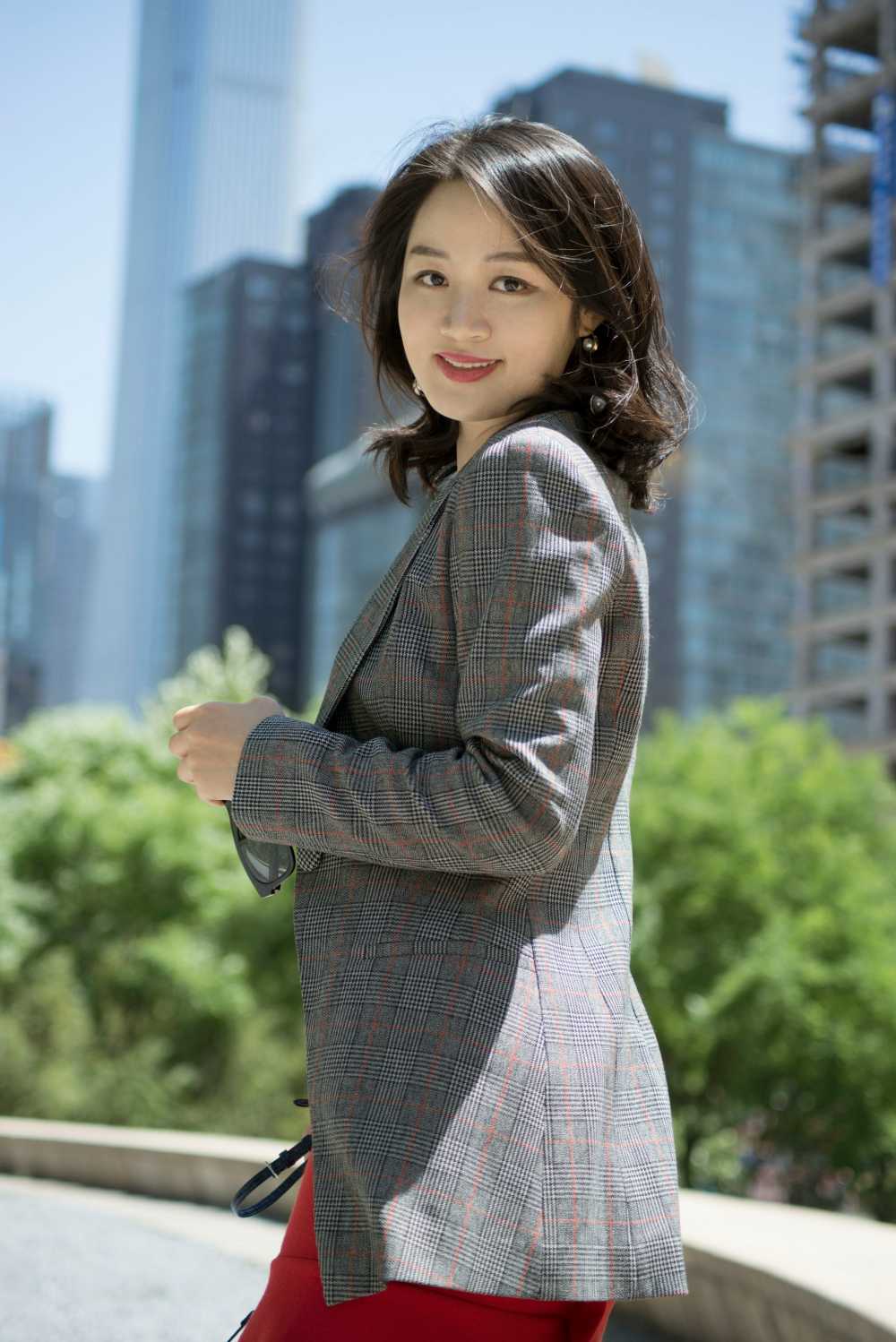
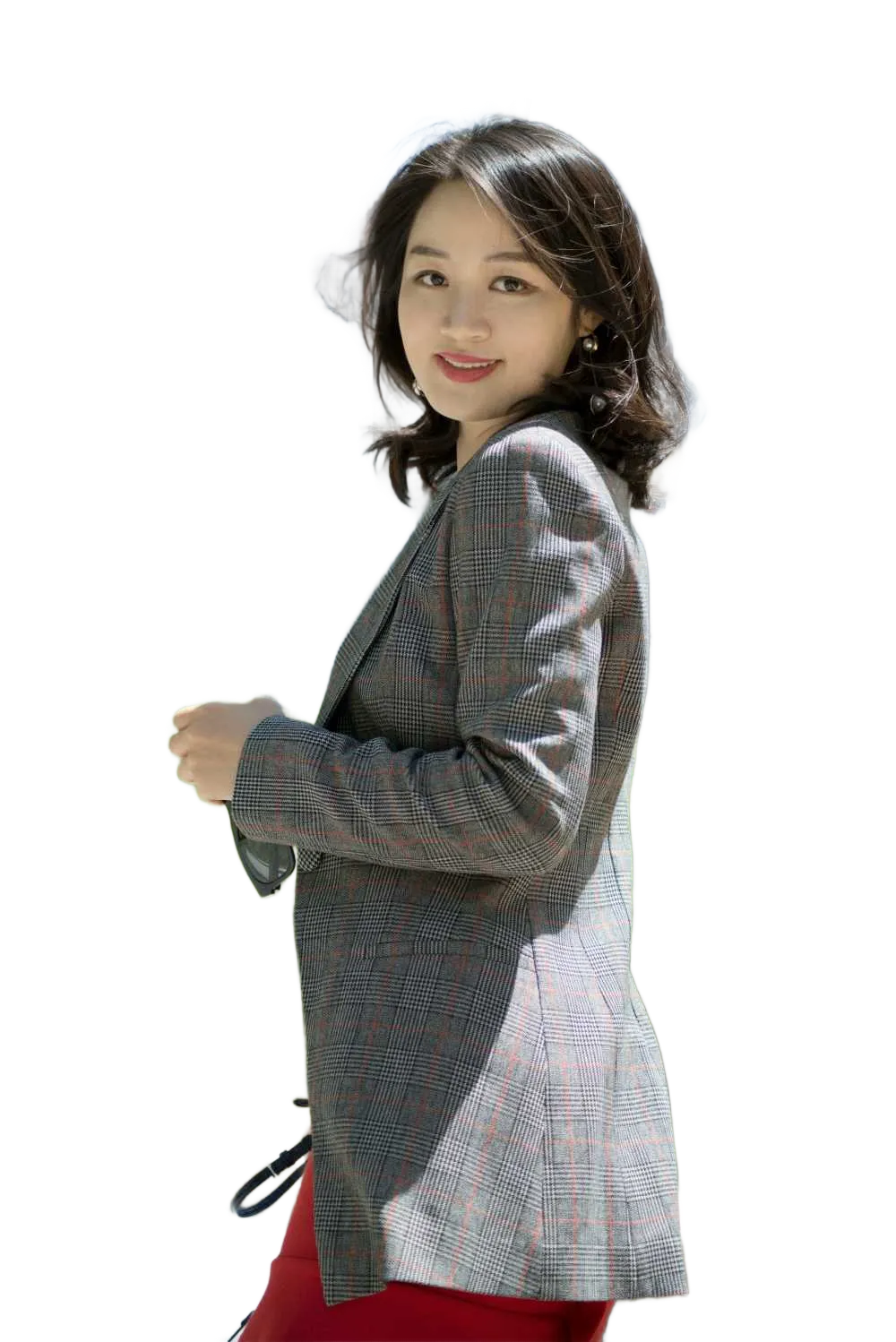
Drag and drop images or folders
By uploading images, you agree to the BatchRemover Terms of Use and Privacy Policy
A Professional Headshot, Without the Studio
The background is what makes a portrait look polished or amateur. Swap a busy room for a clean, professional backdrop while every hair strand stays sharp.
Every Hair Strand, Cleanly Cut
Flyaway hairs, glasses, and soft edges are where most removers fail and leave a jagged outline or a faint halo of the old background. BatchRemover keeps fine hair detail crisp against the new backdrop, with no color bleed and no plastic, cut-out look.
Full Original Resolution, No Quality Loss
Your headshot comes back at the exact resolution you uploaded, with no downscaling, no compression, and no watermark. Sharp enough for a LinkedIn profile, a printed badge, or a large website hero.
White, Grey, Blue, or Transparent in One Click
Once the background is gone, drop your portrait onto a clean white, neutral grey, or professional blue, or export a transparent PNG to place it anywhere. Match LinkedIn, a corporate page, or an industry standard in seconds.
One Consistent Look for the Whole Team
Removing the background from one headshot is free with no signup. Need to match a whole department onto the same backdrop? Upgrade to batch every photo at once and get an identical background across the entire team page.
Remove a Headshot Background in 3 Steps
No Photoshop, no masking, and no editing skills. Turn a casual photo into a clean professional portrait in seconds.
Upload Your Headshot
Drag in a single portrait or a whole folder of team photos. JPG, PNG, and WebP all work. A busy office, a patterned wall, or people behind you in the frame are fine, the AI handles it.
AI Removes the Background
The AI detects the person, erases everything behind them, and cleans up the hair and shoulder edges with no halo. Your face, hair, and clothing stay untouched, only the background changes.
Pick a Background and Download
Choose white, grey, blue, a custom color, or a transparent layer, then export a full-resolution headshot ready for LinkedIn, a resume, a team page, or a printed badge.
The Right Background for Every Profile
A professional headshot uses a clean, distraction-free background. Here is what works best where you actually use your photo.
| Where you use it | Recommended background | Tip |
|---|---|---|
| LinkedIn profile | Neutral grey or soft blue | Grey suits every skin tone and stops you blending into a white feed |
| Resume / CV photo | Plain white or light grey | Keep it simple so recruiters focus on your face, not the backdrop |
| Corporate team / about-us page | Same solid color for everyone | Batch the team onto one background so the page looks uniform |
| Email signature | Transparent PNG | A cut-out drops cleanly onto any signature template or color |
| Acting / modeling casting | Plain white or light grey | Casting wants a clean, natural look that shows the real you |
| Medical / healthcare profile | Soft blue or white | Light blue reads as trustworthy and clinical for patient-facing bios |
| Finance / law / executive bio | Navy or charcoal | Darker tones signal authority for senior and client-facing roles |
Tip: avoid pure white behind very light or blonde hair, since the subject can blend into the background. A light grey separates the edges more cleanly.
Built for Everyone Who Needs a Sharp Headshot
Job Seekers and Professionals
Clean up your LinkedIn, resume, or CV photo so it looks polished and current. A professional background reads as more credible to recruiters and connections than a cropped party photo.
HR, Offices, and Teams
Process every employee headshot onto the same background for a consistent team page, staff directory, or about-us section. Batch the whole department at once instead of editing them one by one.
Portrait Photographers
Deliver clean, background-swapped headshots to clients in minutes instead of masking hair by hand in Photoshop. Offer white, grey, and blue versions from a single sitting.
Coaches, Speakers, and Creators
Get a consistent portrait for your website, bio, social profiles, podcast art, and speaker pages. Swap backgrounds to match each brand or platform without a new photoshoot.
Agents, Doctors, and Consultants
Real estate agents, healthcare providers, lawyers, and advisors get a trustworthy headshot for listings, business cards, badges, and client-facing bios with an industry-appropriate background.
Manual Editing vs BatchRemover
Cutting a headshot out by hand in Photoshop, or paying an editor to do it, is slow and inconsistent. Here is how doing it yourself compares.
✦ RecommendedBatchRemover | Manual Photoshop editing | |
|---|---|---|
| Turnaround | Seconds, even for a whole team | 10 to 30 minutes per photo by hand |
| Cost | Free for one headshot, low-cost batch plans | Paid editor or a Photoshop subscription |
| Hair and fine edges | Fine strands kept automatically | Tedious manual masking, varies by skill |
| Resolution | Returned at full original quality | Easy to soften or downscale by mistake |
| Team consistency | Same background across every photo | Hard to match by hand, shot to shot |
| Privacy | Your photos stay under your control | Files often sent to a third-party editor |
Frequently Asked Questions
How well does it handle hair, glasses, and fine edges?
Hair is the hardest part of any headshot cut-out, and it is where the tool is built to shine. Flyaway strands, curls, glasses, and soft shoulder edges stay crisp against the new background, with no white halo, no color bleed from the old background, and no harsh, plastic outline. The result looks shot on a backdrop, not obviously edited.
Will I lose image quality or resolution?
No. Your headshot is processed at its original resolution and returned in full quality, with no downscaling, no compression artefacts, and no watermark. It stays sharp whether you use it as a small LinkedIn thumbnail, a printed badge, or a full-size website portrait.
Can I change the background to white, grey, or blue instead of transparent?
Yes. After the background is removed you can drop your portrait onto a clean white, neutral grey, professional blue, navy, or any custom solid color, or export a transparent PNG to place it onto your own design. Grey and soft blue are the most popular choices for professional headshots.
Is it free? Is there a watermark or signup?
Removing the background from a single headshot is completely free, with no watermark and no signup required. You only need an account when you want to batch-process multiple photos at once.
Can I process my whole team's headshots at once?
A single headshot is free with no signup. To put an entire team, department, or set of staff photos onto the same background in one batch, you upgrade to a paid plan. That keeps the background, color, and finish identical across every person on the page.
What is the best background color for a professional headshot?
Light grey is the safest and most versatile choice, since it flatters every skin tone and works on any platform. White is clean and standard for resumes and healthcare, soft blue signals trust for medical and institutional bios, and navy or charcoal suits finance, law, and executive roles. Avoid pure white behind very light or blonde hair, where a grey backdrop separates the edges better.
What file formats can I upload and download?
You can upload JPG, PNG, and WebP headshots. Download a transparent PNG to keep the background empty, or export a JPG or WebP once you have placed your portrait on a solid color. Everything comes back at full resolution.
Are my photos private and secure?
Yes. Your headshots are processed for you and stay under your control, never shared or used for anything else. Unlike sending photos to an outside editor, your personal images do not get passed around to a third party.
Give Your Headshot a Clean, Professional Background
Upload your portrait, remove the cluttered background with crisp hair edges, and drop it onto white, grey, blue, or a transparent layer. Full resolution, no watermark, free for a single headshot.