मुफ़्त ऑनलाइन बैकग्राउंड रिमूवर — Full HD, बिना साइनअप
किसी भी इमेज से बैकग्राउंड हटाएँ और मूल रिज़ॉल्यूशन में डाउनलोड करें। न साइनअप, न वॉटरमार्क। 100% मुफ़्त।
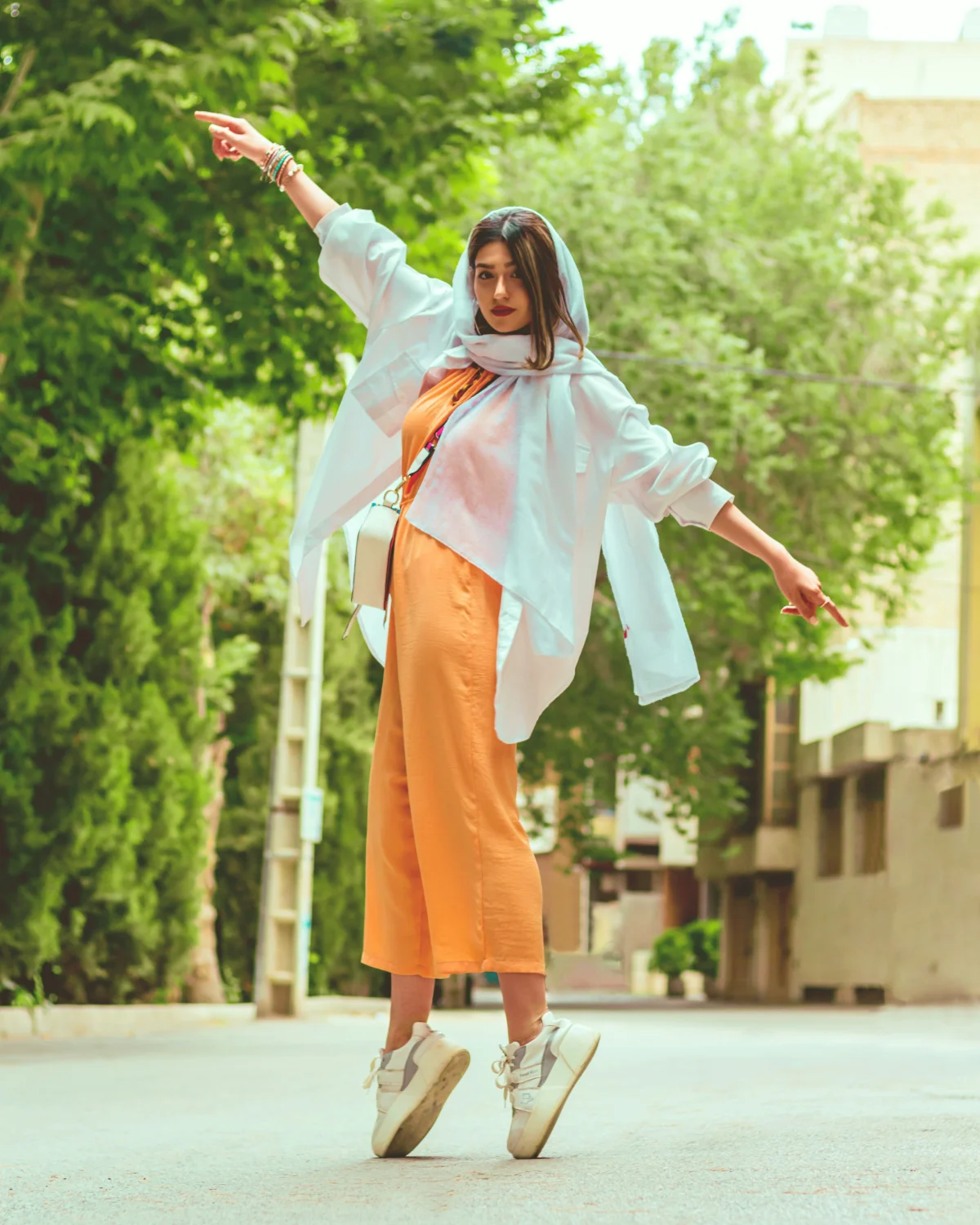
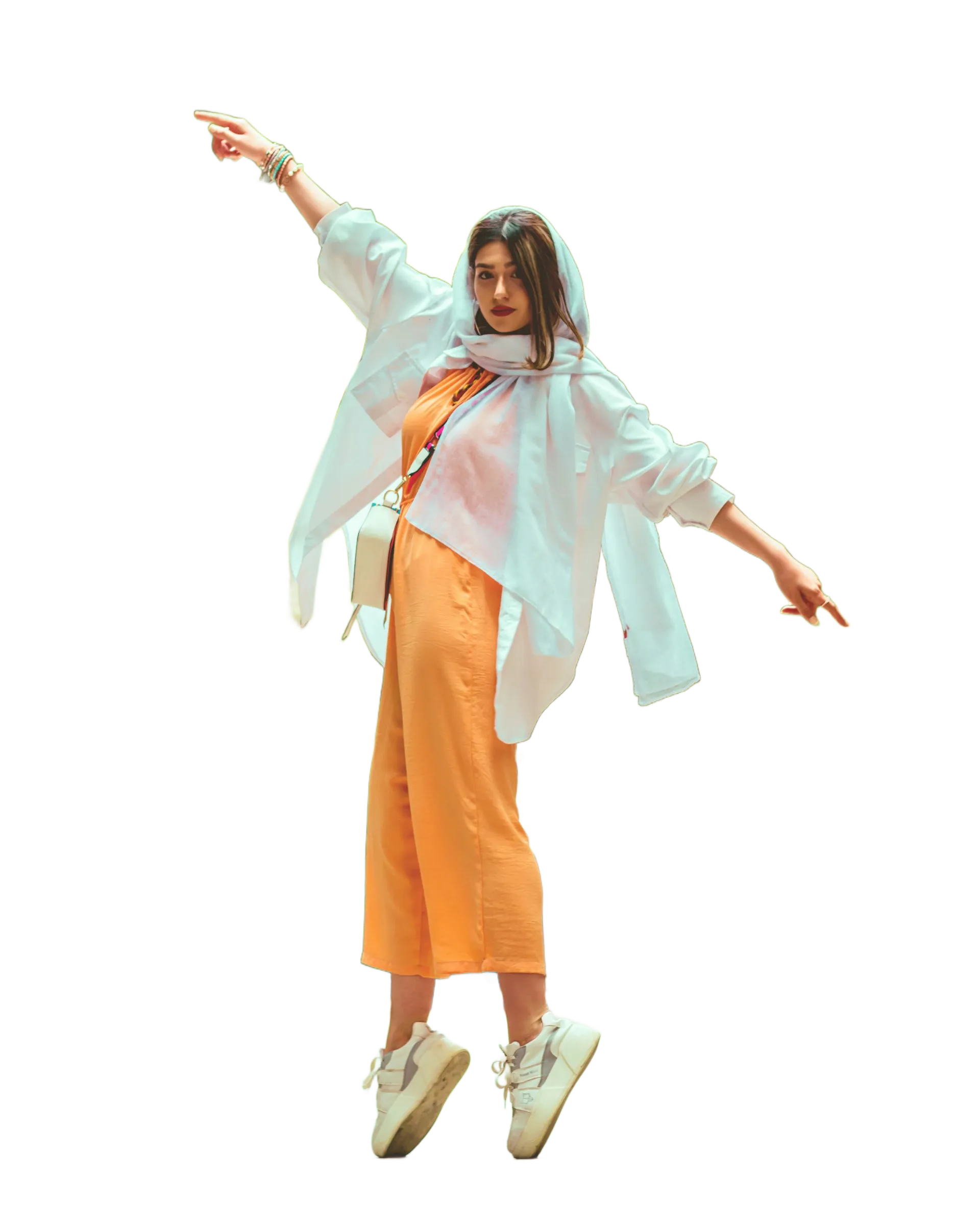
छवियाँ या फ़ोल्डर खींचकर छोड़ें
छवियाँ अपलोड करके, आप BatchRemover की इन बातों से सहमत हैं: उपयोग की शर्तें और गोपनीयता नीति
किसी भी इमेज का बैकग्राउंड हटाएँ
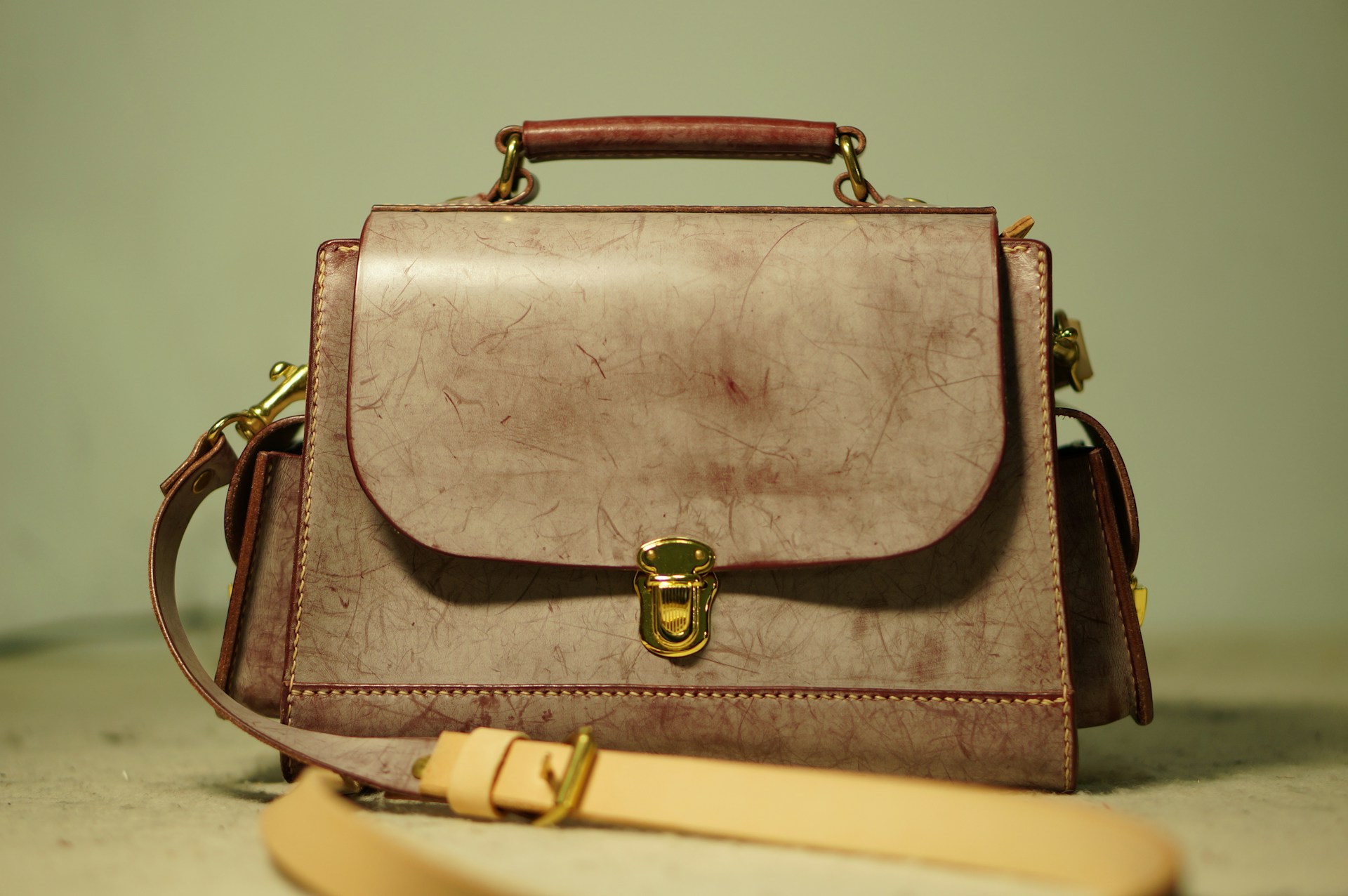
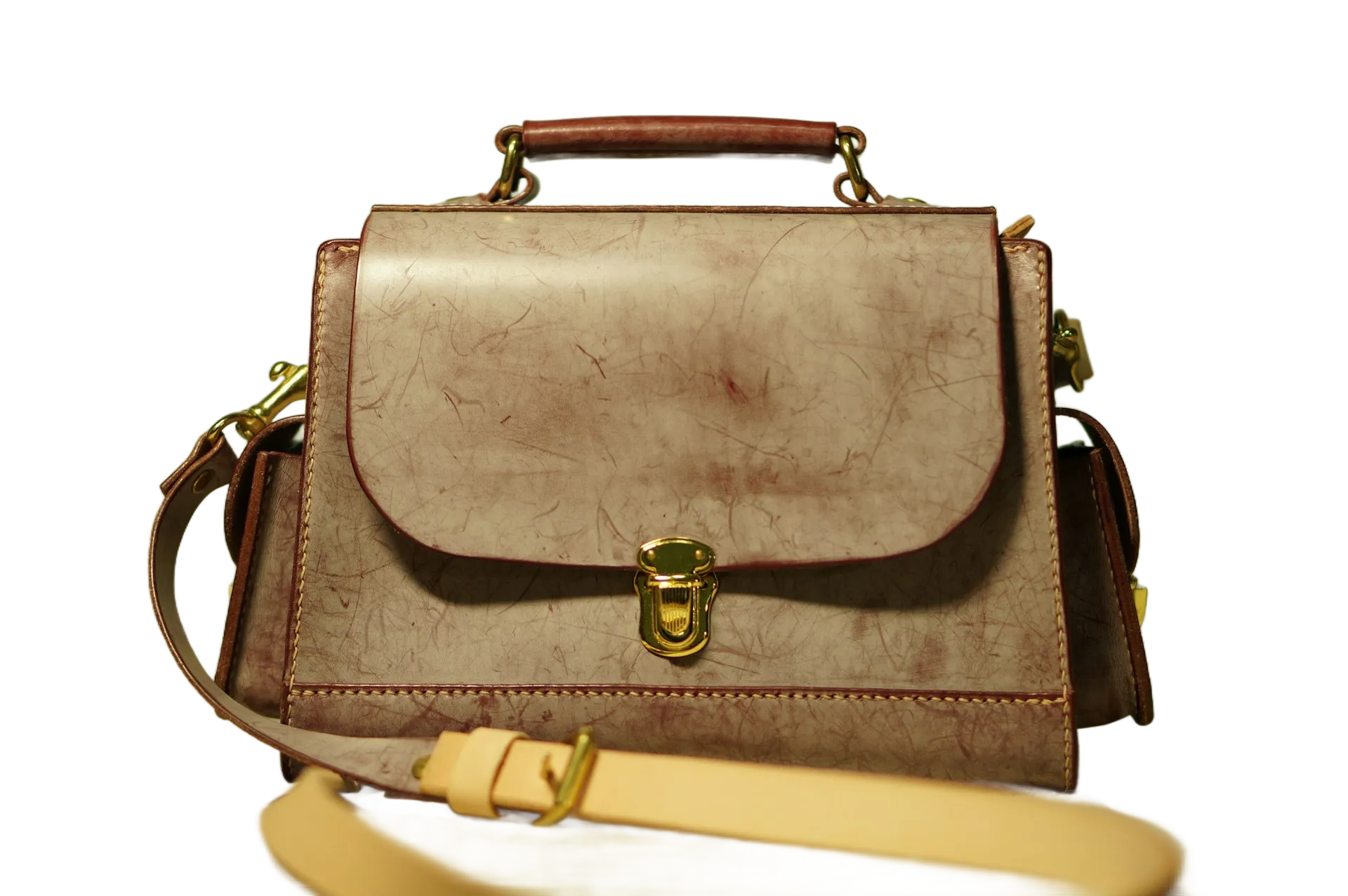
हमारा टूल प्रोडक्ट, लोग, जानवर, खाना, लोगो, ग्राफ़िक्स और भी बहुत कुछ के साथ काम करता है। नतीजे खुद देखें।
यह बैकग्राउंड रिमूवर अलग क्यों है
ज़्यादातर «मुफ़्त» टूल डाउनलोड को लो-रेज़ प्रीव्यू तक सीमित कर देते हैं। आप 1024×1024 अपलोड करते हैं, मिलता है 500×500 — जब तक भुगतान न करें। BatchRemover ऐसा नहीं करता।
✦ RecommendedBatchRemover (मुफ़्त) | आम «मुफ़्त» टूल | |
|---|---|---|
| डाउनलोड रेज़ोल्यूशन | ओरिजिनल साइज़ — 4K अपलोड, 4K डाउनलोड | 50% या उससे कम |
| वॉटरमार्क | कोई नहीं | अक्सर मुफ़्त डाउनलोड पर |
| अकाउंट ज़रूरी | नहीं | डाउनलोड के लिए आमतौर पर ज़रूरी |
| बैकग्राउंड बदलना | मुफ़्त — सॉलिड रंग या कस्टम इमेज | अक्सर पेड |
| बैकग्राउंड रिसाइज़ | मुफ़्त — किसी भी प्लेटफ़ॉर्म साइज़ के लिए | शायद ही मिलता है |
| एक्सपोर्ट फ़ॉर्मैट | PNG, JPG और WebP | सिर्फ़ PNG |
| बैच प्रोसेसिंग | एक साथ 60 तस्वीरें (पेड प्लान) | एक बार में 1 |
BatchRemover में सूचीबद्ध सभी फ़ीचर अभी उपलब्ध हैं — बिना अकाउंट बनाए।
हटाएँ, बदलें, साइज़ करें — सब एक ही टूल में
ज़्यादातर मुफ़्त टूल हटाने पर रुक जाते हैं। BatchRemover आगे बढ़ता है — बैकग्राउंड बदलना, किसी भी प्लेटफ़ॉर्म के लिए साइज़ और किसी भी फ़ॉर्मैट में एक्सपोर्ट।
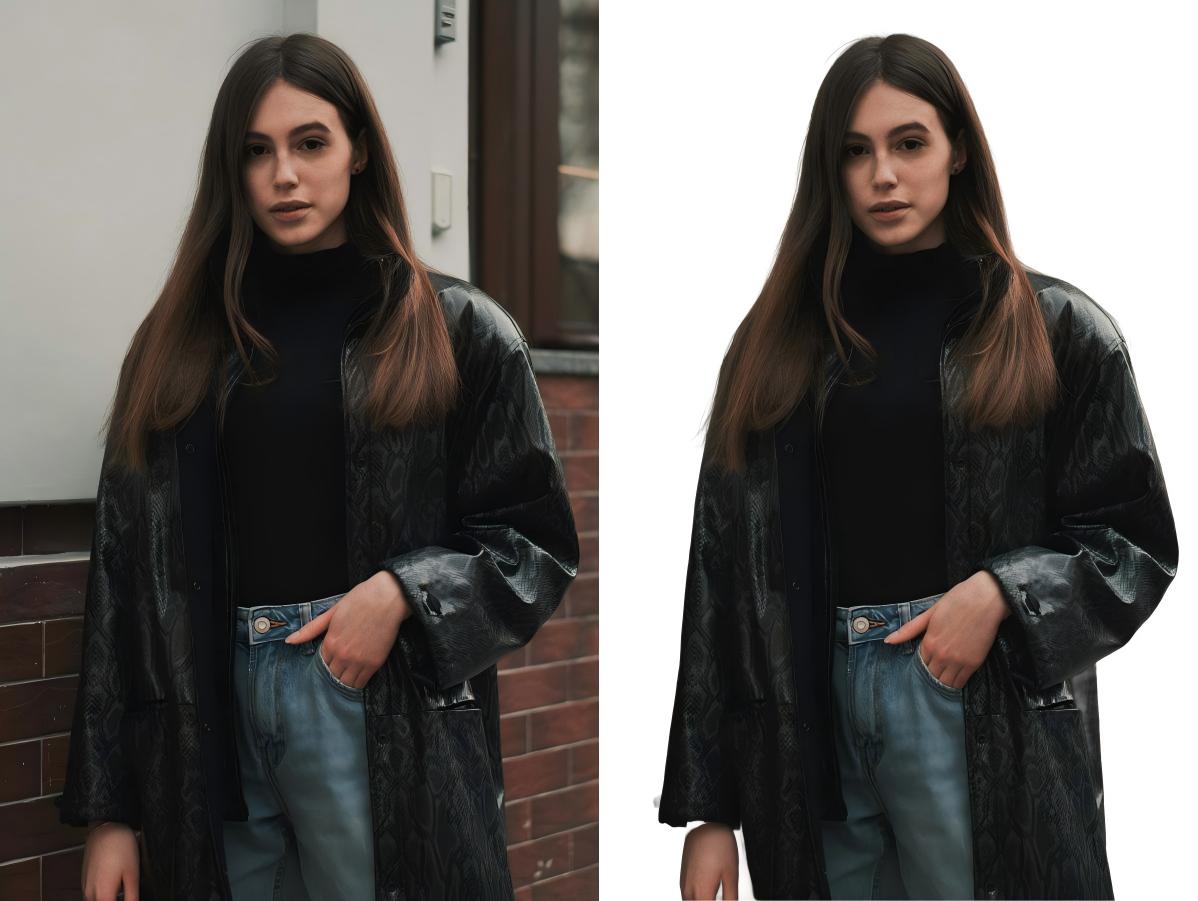
सटीक एज डिटेक्शन वाला AI बैकग्राउंड रिमूवर
हमारा AI मुश्किल हिस्से अपने आप संभालता है — बाल, फर, पारदर्शी चीज़ें, जटिल प्रोडक्ट शेप। फ़ोटो अपलोड करें, सेकंडों में साफ़ कटआउट पाएँ। प्रोडक्ट फ़ोटो, पोर्ट्रेट, लोगो, ग्राफ़िक्स और भी बहुत कुछ।
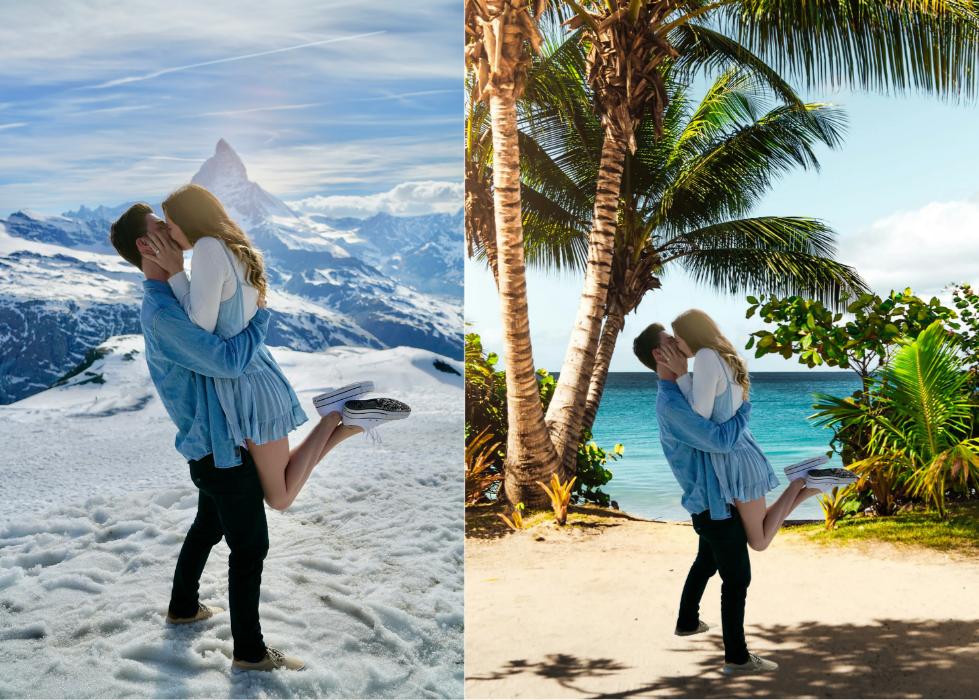
बैकग्राउंड रंग बदलें या कस्टम इमेज जोड़ें
Amazon लिस्टिंग के लिए सफ़ेद बैकग्राउंड? पासपोर्ट फ़ोटो के लिए नीला? सोशल मीडिया के लिए ब्रांड बैकग्राउंड? हटाने के बाद कोई भी सॉलिड रंग चुनें, अपनी इमेज अपलोड करें, या Instagram, eBay, Shopify या किसी भी साइज़ के लिए कैनवास एडजस्ट करें।
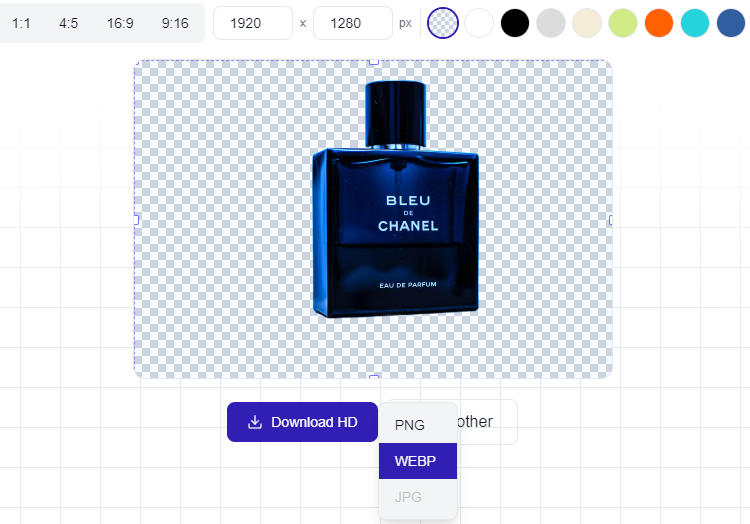
PNG, JPG या WebP में डाउनलोड — हमेशा Full HD
आपके workflow के हिसाब से फ़ॉर्मैट: डिज़ाइन के लिए ट्रांसपेरेंट PNG, e-commerce और वेब के लिए कंप्रेस्ड JPG, तेज़ लोडिंग के लिए WebP। हर डाउनलोड ओरिजिनल रेज़ोल्यूशन में — न कोई डाउनस्केल, न वॉटरमार्क।
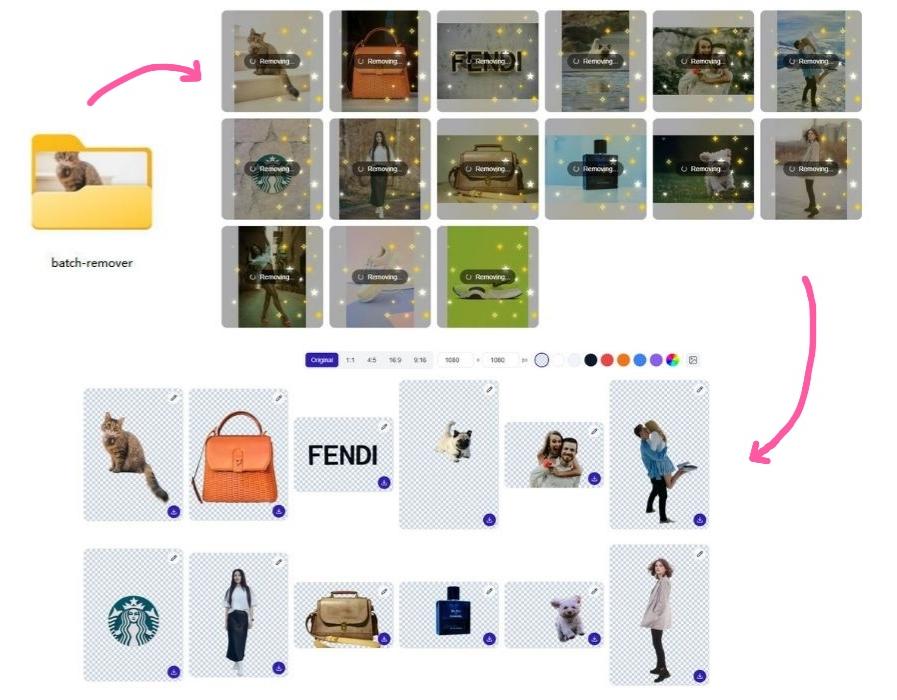
बैच बैकग्राउंड रिमूवर — एक साथ कई इमेज प्रोसेस करें
इस हफ्ते 50 प्रोडक्ट लिस्ट कर रहे हैं? पूरी फोटोशूट एडिट करनी है? अब एक-एक करके इमेज अपलोड करना बंद करें। BatchRemover से कई इमेज — या पूरा फोल्डर — अपलोड करें, सभी बैकग्राउंड एक साथ हटाएं। ZIP में सब कुछ डाउनलोड करें, तुरंत इस्तेमाल के लिए तैयार।
सिंगल इमेज प्रोसेसिंग हमेशा मुफ्त है। क्रेडिट पैक के साथ बैच प्रोसेसिंग $0.04 प्रति इमेज से शुरू।
यह मुफ़्त बैकग्राउंड रिमूवर कौन इस्तेमाल करता है
ई-कॉमर्स विक्रेता
Amazon, eBay और Shopify की लिस्टिंग मानकों के अनुसार सफ़ेद बैकग्राउंड वाली प्रोडक्ट फ़ोटो।
फ़ोटोग्राफ़र
पोर्ट्रेट, ID और इवेंट फ़ोटो बैच में प्रोसेस करें। स्टूडियो या आउटडोर बैकग्राउंड सेकंडों में हटाएँ।
ग्राफ़िक डिज़ाइनर
कंपोज़िटिंग, मॉकअप और मल्टी-लेयर प्रोजेक्ट के लिए ट्रांसपेरेंट PNG एक्सपोर्ट करें।
सोशल मीडिया क्रिएटर
साफ़ कटआउट और ब्रांडेड बैकग्राउंड से ध्यान खींचने वाले पोस्ट बनाएँ।
प्रिंट-ऑन-डिमांड विक्रेता
टी-शर्ट, मग, फ़ोन केस और पोस्टर के लिए ट्रांसपेरेंट डिज़ाइन तैयार करें।
ID और पासपोर्ट फ़ोटो
कोई भी बैकग्राउंड हटाएँ और उसकी जगह आधिकारिक दस्तावेज़ों के लिए ज़रूरी सफ़ेद या नीला लगाएँ।
How to Remove Background from Image in 3 Steps
The fastest AI background remover online — no design skills, no software, no waiting.
Upload Your Photo
Drag, drop, or select your images. Our free background remover accepts JPG, PNG, and WebP — single image or full folder.
AI Removes the Background
Our AI background remover detects edges with precision — hair, fur, complex shapes, products — all processed automatically in seconds.
Download and Use Anywhere
Choose PNG, JPG, or WebP and download at full resolution. Ready for e-commerce, social media, ads, or any design project.
Pricing for BatchRemover
नए उपयोगकर्ताओं को बैच में बैकग्राउंड हटाने के लिए 20 मुफ़्त क्रेडिट मिलते हैं।
$0/ image
- ✓मूल रिज़ॉल्यूशन में Full HD डाउनलोड
- ✓कोई वॉटरमार्क नहीं
- ✓अकाउंट की ज़रूरत नहीं
- ✓बैकग्राउंड को किसी भी रंग या इमेज में बदलें
- ✓किसी भी प्लेटफ़ॉर्म के लिए बैकग्राउंड का साइज़ बदलें
- ✓PNG, JPG या WebP में एक्सपोर्ट
- ✓एक बार में एक इमेज
$0.181/ image
- ✓Up to 30 images per batch
- ✓Credits never expire
- ✓Priority processing queue
$0.077/ image
- ✓Up to 60 images per batch
- ✓Folder upload supported
- ✓Priority processing queue
Frequently Asked Questions
Is BatchRemover really a free background remover?
हाँ। BatchRemover एक मुफ़्त ऑनलाइन बैकग्राउंड रिमूवर है। अकाउंट की ज़रूरत नहीं, कोई वॉटरमार्क नहीं, रेज़ोल्यूशन की सीमा नहीं। पेड प्लान सिर्फ़ बैच प्रोसेसिंग (एक साथ कई इमेज) के लिए हैं।
How is BatchRemover different from remove.bg or other bg removers?
ज़्यादातर «मुफ़्त» रिमूवर आउटपुट छोटा कर देते हैं। BatchRemover पूरी ओरिजिनल रेज़ोल्यूशन मुफ़्त देता है। बैकग्राउंड बदलना, साइज़ एडजस्ट और मल्टी-फ़ॉर्मैट एक्सपोर्ट (PNG, JPG, WebP) भी बिना किसी खर्च के शामिल है।
What formats does the image background remover support?
Our background remover accepts JPG, PNG, and WebP as input. When downloading, choose from transparent PNG, compressed JPG, or modern WebP — whatever fits your workflow.
How does batch background removal work?
Upload multiple images or a full folder, and our AI bg remover processes all of them at once. Download results individually or as a ZIP. No waiting between images, no repetitive clicks.
बैकग्राउंड हटाने के बाद क्या मैं उसे बदल सकता/सकती हूँ?
हाँ। AI द्वारा बैकग्राउंड हटाने के बाद आप उसे किसी भी सॉलिड रंग से बदल सकते हैं, अपनी पसंद की बैकग्राउंड इमेज अपलोड कर सकते हैं, या Amazon, Instagram, eBay आदि प्लेटफ़ॉर्म के अनुसार कैनवास का साइज़ बदल सकते हैं — ये सब मुफ़्त में शामिल है।
क्या मेरी इमेज सुरक्षित हैं?
आपकी इमेज सुरक्षित रूप से प्रोसेस होती हैं और हमारे सर्वर पर स्थायी रूप से सेव नहीं होतीं। हम उन्हें AI ट्रेनिंग में उपयोग नहीं करते और न ही तीसरे पक्ष के साथ साझा करते हैं। प्रोसेस की गई इमेज कुछ समय बाद अपने आप हटा दी जाती हैं।
Can I use background-removed images commercially?
Yes. Every image you process with our background remover — free or paid — belongs entirely to you. Use them for product listings, ads, marketing materials, or any commercial project.
«remove bg HD» का क्या मतलब है? क्या क्वालिटी वाकई पूरी रेज़ोल्यूशन में है?
हाँ। «Remove bg HD» का मतलब है कि डाउनलोड की गई इमेज आपके अपलोड किए गए ओरिजिनल की बिल्कुल वही रेज़ोल्यूशन रखती है। अगर आप 1920×1080 की इमेज अपलोड करते हैं, तो 1920×1080 ही डाउनलोड होगी। न कोई डाउनस्केलिंग, न कंप्रेशन आर्टिफ़ैक्ट, न क्वालिटी लॉस — मुफ़्त प्लान पर भी।
What's the difference between the free and paid background remover plans?
The free plan lets you remove background from image files one at a time — perfect for occasional use. Paid plans unlock batch processing: upload folders, process multiple photos at once, and download everything as a ZIP.
The Best Free Background Remover Online — Try It Now
No sign-up. No watermarks. Remove background from your photos in seconds and download in full HD. Single images free forever — upgrade for batch power.